Completed
33:01 Conclusion
Class Central Classrooms beta
YouTube videos curated by Class Central.
Classroom Contents
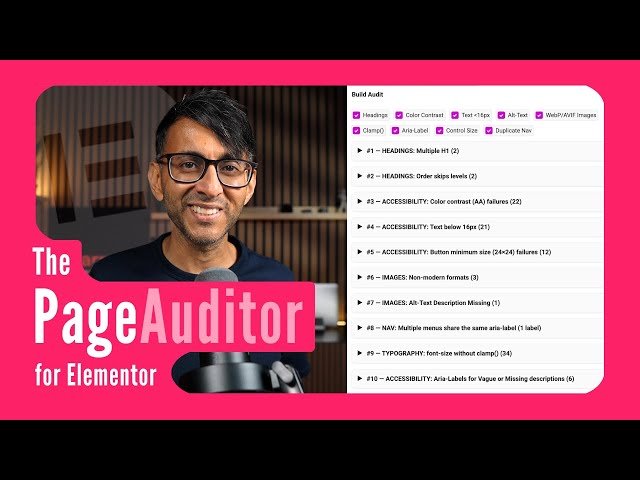
Remove Bad UI/UX and Boost Web Accessibility
Automatically move to the next video in the Classroom when playback concludes
- 1 00:00 Intro
- 2 01:27 Code Snippet and the Audit Button
- 3 03:13 Starting with a Default Blank Page
- 4 05:30 Understanding the Audit Pane
- 5 07:11 Understanding the Info Pane
- 6 07:53 Add a Header Template
- 7 09:25 Toggle to see relevant issues
- 8 10:07 Add a Footer Template
- 9 11:47 Missing Landmarks when using Elementor Canvas
- 10 12:46 Duplicate Landmarks
- 11 13:59 Missing H1 Headings
- 12 14:31 Duplicate H1 Headings
- 13 14:57 Headings that skip order levels
- 14 16:26 Text below 16px
- 15 17:36 Color Contrast for the Dropdown Toggle
- 16 18:05 Non-WebP/AVIF images
- 17 19:08 MissingAlt-text description
- 18 19:52 Missing CTA
- 19 20:07 Vague Aria Labels
- 20 20:31 Color Contrast of Text vs Background vs Page Background
- 21 22:07 Color Contrast due to Font Size
- 22 22:54 Font-size without clamp
- 23 26:52 Duplicate aria-labels caused by nav menus
- 24 27:29 Will a contact form suffice as a CTA?
- 25 27:58 Color contrast with icons/SVG
- 26 28:10 Aria-labels for icons/SVGs with a link
- 27 29:42 HTML without button roles or tab-index will get flagged
- 28 30:16 Headings that are very long
- 29 30:57 Buttons smaller than 24x24px
- 30 32:18 Mobile spacing for buttons
- 31 33:01 Conclusion

