Completed
– 🌫 Adding grain with Camera Raw
Class Central Classrooms beta
YouTube videos curated by Class Central.
Classroom Contents
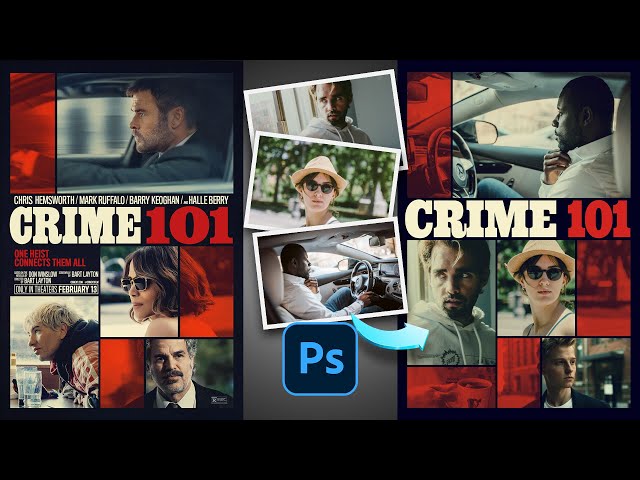
Recreate the CRIME 101 Movie Poster Look in Photoshop
Automatically move to the next video in the Classroom when playback concludes
- 1 – 🎬 Intro & poster overview
- 2 – 📐 Setting up the canvas and grid layout
- 3 – 🖼 Importing images into the layout
- 4 – ✂️ Masking images into the grid
- 5 – 🟥 Adding black separation lines
- 6 – 🎨 Adding curves for contrast control
- 7 – 🔥 Applying the cinematic gradient map
- 8 – 🔠 Adding and styling the CRIME 101 text
- 9 – 🌫 Adding grain with Camera Raw
- 10 – ✅ Final polish and wrap-up

