Completed
- Generating the Second Lip-Sync Video
Class Central Classrooms beta
YouTube videos curated by Class Central.
Classroom Contents
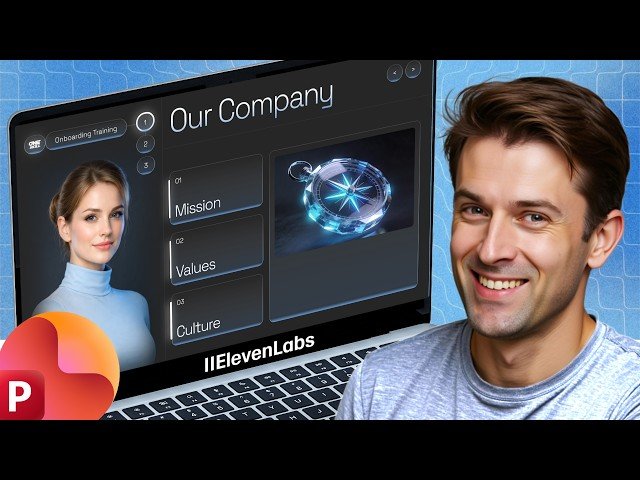
Creating Realistic AI Avatars in PowerPoint with ElevenLabs
Automatically move to the next video in the Classroom when playback concludes
- 1 - Intro
- 2 - Setting Up the Slide Design Fonts & Grid
- 3 - Getting Started with ElevenLabs
- 4 - Generating the Avatar Image
- 5 - Creating a Custom AI Voice
- 6 - Generating Text-to-Speech Audio
- 7 - Creating the Lip-Sync Video
- 8 - Inserting & Formatting Video in PowerPoint
- 9 - Syncing Text Animation with Audio
- 10 - Setting up the Second Slide Morph Transition
- 11 - Generating the Second Lip-Sync Video
- 12 - Formatting & Aligning the Second Video
- 13 - Adding Interactive Navigation Buttons
- 14 - Full Presentation Preview
- 15 - Recap & Multilingual Examples
- 16 - Final Result

