Completed
5:30 Best Use Case for the 'Ultra Realism' Preset
Class Central Classrooms beta
YouTube videos curated by Class Central.
Classroom Contents
Qwen Image Models Realism Tutorial - Object Removal, Inpainting and Outpainting
Automatically move to the next video in the Classroom when playback concludes
- 1 0:00 Introduction to Three New Presets
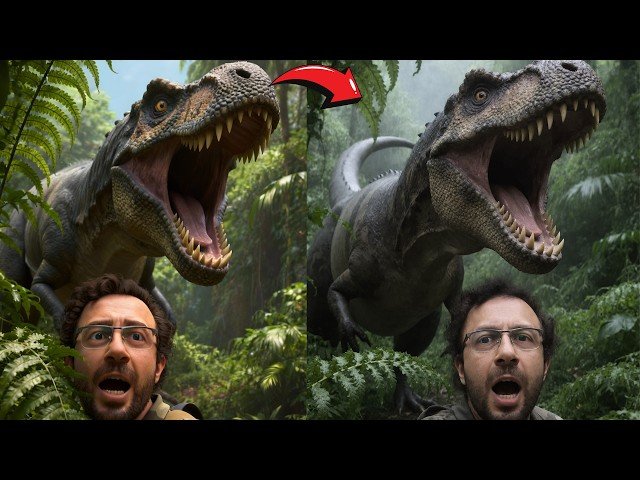
- 2 0:18 'High Realism' Preset: First Before & After Comparison
- 3 0:31 Adjusting LoRA Weight for More Realism
- 4 1:04 Applying Realism to Complex & 'Hard' Prompts
- 5 1:54 How the Realism Workflow Was Developed
- 6 2:10 Important Note: Images are from Grids, Not Cherry-Picked
- 7 2:37 Using the 'High Realism' Preset on the Base Qwen Model
- 8 3:22 Preview: Fast & High-Quality Inpainting Demonstration
- 9 3:48 Preview: Massive Image Outpainting Workflow
- 10 4:24 Preview: Using Inpainting to Remove Unwanted Text
- 11 4:49 Introducing the 'Ultra Realism' Preset for Realistic Prompts
- 12 5:02 'Ultra Realism' Trade-off: Losing Fantasy Prompt Capability
- 13 5:30 Best Use Case for the 'Ultra Realism' Preset
- 14 6:06 How to Update SwarmUI with the Latest Files
- 15 6:24 Links to Previous Installation & Training Tutorials
- 16 7:08 Running the Model Downloader Script
- 17 7:20 Locating the New Realism LoRAs & FLUX Fill Model
- 18 8:18 How to Import New Presets Automatic & Manual Methods
- 19 9:04 Practical Demo: Applying the 'High Realism' Preset
- 20 10:02 Pro Tip: Generate Multiple Images Before Upscaling
- 21 10:23 Adjusting LoRA Strength & Comparing with 'Ultra Realism'
- 22 11:42 Inpainting Setup: Loading an Image & Applying a Preset
- 23 12:18 Adjusting the Canvas & Resolution for Inpainting
- 24 12:58 Masking the Face for Inpainting
- 25 13:13 Applying the Inpainting Preset & Adjusting Step Count
- 26 14:32 Generating Multiple Inpainted Versions to Find the Best
- 27 15:04 How to Merge the Inpainted Result into the Full Image
- 28 16:05 Troubleshooting: Inpainting Without 'Mask Shrink Grow'
- 29 17:03 Fine-Tuning Inpainting with Mask Blur & Creativity
- 30 18:13 Advanced: Inpainting with the FLUX Model
- 31 19:55 Pro Tip: Use Precise Masking to Avoid Color Issues
- 32 21:48 Outpainting Setup: Using the FLUX Fill Model Preset
- 33 22:34 Outpainting Strategy: Using Smaller Steps for Better Results
- 34 23:44 Merging the Outpainted Area & Continuing the Expansion
- 35 24:31 Outpainting on Larger Resolution Images
- 36 25:31 Advanced: Expanding the Image from Both Sides
- 37 26:19 Expanding the Image from All Four Sides at Once
- 38 27:15 Inpainting Use Case: Setting Up to Remove Text
- 39 28:00 Masking the Text & Configuring Inpainting Settings
- 40 29:22 Applying the Fix & Merging the Final Image
- 41 30:25 Bonus Teaser: New Levo Song Generation Model v7
- 42 31:02 Live Demo: Generating a Full Song Locally
- 43 32:15 Listening to the AI-Generated Song
- 44 33:11 Final Words & Future Tutorials

