Completed
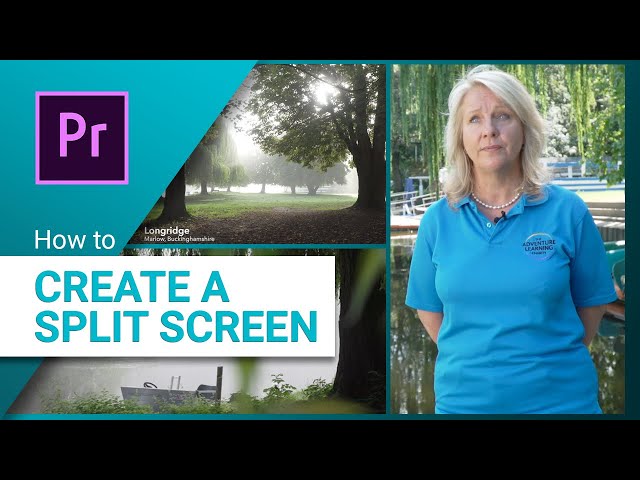
Create a Split Screen in Adobe Premiere Pro
Class Central Classrooms beta
YouTube videos curated by Class Central.
Classroom Contents
Adobe Premiere Pro Training - Split Screen, Warp Stabilizer, Lower Thirds, and Multicamera Editing
Automatically move to the next video in the Classroom when playback concludes
- 1 Create a Split Screen in Adobe Premiere Pro
- 2 How to Use the Warp Stabilizer Effect in Adobe Premiere Pro
- 3 How to Fix and Avoid the Media Offline Warning in Premiere Pro
- 4 How to Create Lower Third Titles in Adobe Premiere Pro
- 5 Understand Different Frame Sizes and Resolutions in Video
- 6 Cutting Video to the Audio Beat in Adobe Premiere Pro
- 7 Animating Photos in Premiere Pro
- 8 Multicamera Editing in Premiere Pro

