Completed
16. 12:24 Add files to folder and see if everything updates.
Class Central Classrooms beta
YouTube videos curated by Class Central.
Classroom Contents
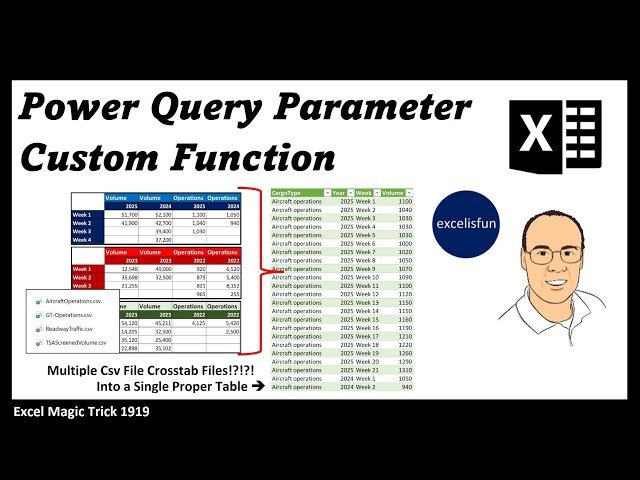
Power Query Custom Function with Parameter to Get and Transform Multiple CSV Files Data - EMT 1919
Automatically move to the next video in the Classroom when playback concludes
- 1 1. 00:00 Introduction.
- 2 2. 00:36 excelisfun’s Power Query M Code Book.
- 3 3. 00:51 Advantage of using a Parameter in a Custom Function.
- 4 4. 01:57 Cross Tab data.
- 5 5. 02:23 Files to download.
- 6 6. 02:35 Goal of Video.
- 7 7. 02:42 From Folder feature.
- 8 8. 03:26 Create Sample File with Two Way M Code Lookup.
- 9 9. 05:31 Create Parameter.
- 10 10. 06:10 Create query with code for Custom Function.
- 11 11. 08:01 Create Custom Function.
- 12 12. 09:30 Use Custom Function in final query.
- 13 13. 10:00 Combine tables.
- 14 14. 11:02 Edit Custom Function.
- 15 15. 11:56 Power of parameter.
- 16 16. 12:24 Add files to folder and see if everything updates.
- 17 17. 13:00 Summary
- 18 18. 13:06 Closing

