Completed
00:00 Introduction: Why PS1 Low Poly?
Class Central Classrooms beta
YouTube videos curated by Class Central.
Classroom Contents
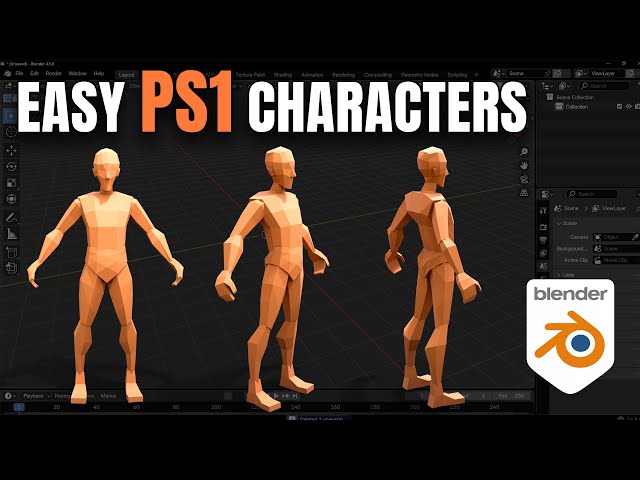
PlayStation 1 Characters in Blender - Low-Poly 3D Modeling Tutorial
Automatically move to the next video in the Classroom when playback concludes
- 1 00:00 Introduction: Why PS1 Low Poly?
- 2 00:37 Setting Up Reference Images in Blender
- 3 01:35 X-Ray Mode & Image Opacity Settings
- 4 02:14 Duplicating & Positioning Side Reference
- 5 02:51 Head Modeling Begins Scaling the Cube
- 6 03:18 Setting Up the Mirror Modifier & Clipping
- 7 04:16 Shaping the Head with Vertex Editing
- 8 06:11 Extruding the Neck Overlapping PS1 Style
- 9 06:55 Modeling the Nose and Ear Details
- 10 08:34 Sculpt Mode / Final Head Adjustments
- 11 09:16 Modeling the Torso and Body
- 12 10:04 Modeling the Basic Legs and Crotch
- 13 11:00 Creating the Arms and Hands
- 14 12:21 UV Unwrapping & Texturing
- 15 13:08 Painting the PS1 Style Texture Map
- 16 16:03 Final Touches: Eyes, Teeth, and Clothes
- 17 17:10 Applying the UV Texture to All Parts
- 18 18:23 Duplicating Modifiers for Symmetrical Parts
- 19 18:48 Final Low Poly Character Showcase

