Completed
10:10 - Head Swaps with Harmonize
Class Central Classrooms beta
YouTube videos curated by Class Central.
Classroom Contents
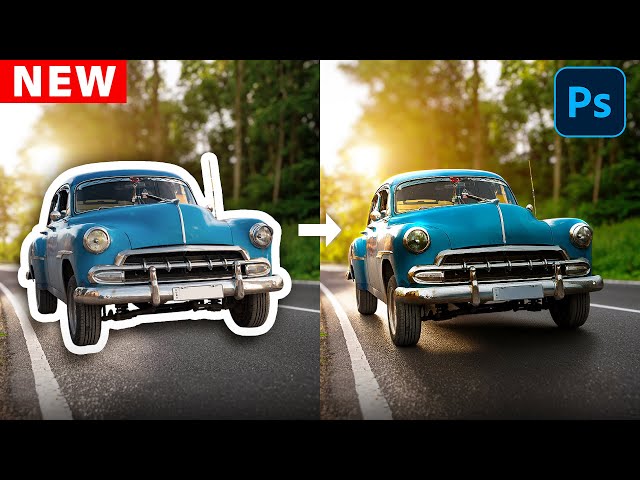
Photoshop's New AI Harmonize Tool - Pro Tips You Need
Automatically move to the next video in the Classroom when playback concludes
- 1 00:00 - Intro
- 2 00:43 - How The Harmonize Button Works
- 3 03:36 - Working with People
- 4 04:20 - Compositing with Varying Levels of Transparency
- 5 07:06 - Composite Small Accessories to a Photo
- 6 10:10 - Head Swaps with Harmonize
- 7 12:10 - Compositing with a Transparent Object
- 8 15:05 - Get Around The Low Resolution Output Limit

