Completed
Tests: Bender example + VRAM usage + mesh/texture check
Class Central Classrooms beta
YouTube videos curated by Class Central.
Classroom Contents
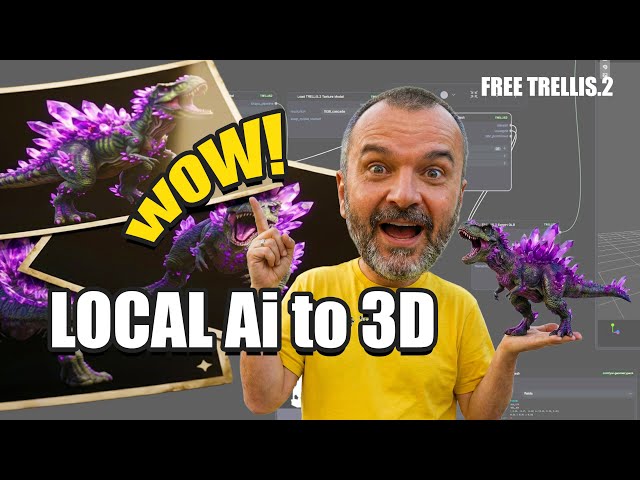
TRELLIS 2 on Windows - Clean ComfyUI Install, Models, Workflow, Exports Step-by-Step
Automatically move to the next video in the Classroom when playback concludes
- 1 Chapters What is Microsoft TRELLIS 2 + why local install matters
- 2 Easiest setup path: PozzettiAndrea nodes + clean ComfyUI recommendation
- 3 Install in ComfyUI Manager: TRELLIS2 + GeometryPack and why both
- 4 Download checkpoints: where to put files + JSON + safetensors requirement
- 5 Workflow tour: auto-mask, background removal, previews, and exports
- 6 Performance notes: low VRAM mode 8GB + resolution matching 512+
- 7 Common bug: “long lines” artifact and why restarting fixes it
- 8 My helper installer: BAT/EXE, clean ComfyUI install, nodes, models
- 9 Tests: Bender example + VRAM usage + mesh/texture check
- 10 Harder test + comparison notes + when to restart for errors
- 11 Wrap-up + links + no hand-holding support for the script

