Completed
15:54 - 1 Week Sale and License Notes
Class Central Classrooms beta
YouTube videos curated by Class Central.
Classroom Contents
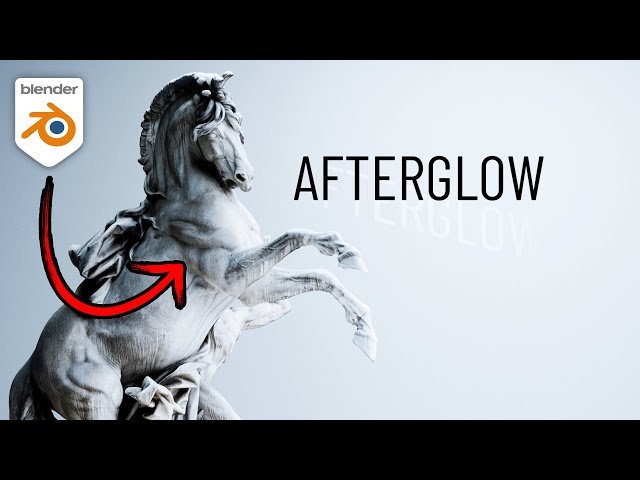
Afterglow V2 for Blender - Complete Overview and New Features
Automatically move to the next video in the Classroom when playback concludes
- 1 00:00 - Afterglow V2 is Here!
- 2 00:23 - What is Afterglow?
- 3 01:20 - Product Platforms
- 4 02:32 - Combining Product Platforms and Studio Environments
- 5 03:38 - Studio Environment Differences
- 6 04:40 - Playing with the Product Platforms
- 7 05:47 - Installing the Asset Library
- 8 06:34 - Updated Materials
- 9 07:23 - Rebalanced Studio Cages
- 10 08:45 - Rebalanced Character Cages
- 11 09:20 - New Ceiling Light Patterns and Thumbnails
- 12 13:04 - Combining Features for Great Results
- 13 14:24 - Extra Notes
- 14 15:54 - 1 Week Sale and License Notes

