Completed
00:00 — Meet Proto Designs & the underdog origin
Class Central Classrooms beta
YouTube videos curated by Class Central.
Classroom Contents
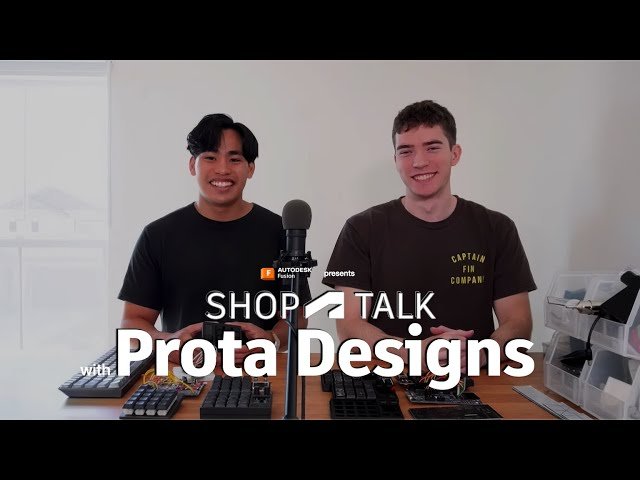
From NASA Internship to Hardware Startup - Building Mechanical Keyboard Macro Pads with Autodesk Fusion
Automatically move to the next video in the Classroom when playback concludes
- 1 00:00 — Meet Proto Designs & the underdog origin
- 2 02:10 — NASA internship → partnership chemistry
- 3 04:00 — Bootstrapping: part-time, full-time, even rideshare to fund prototypes
- 4 06:20 — Fusion for CAD + 3D printing iterations
- 5 08:05 — Printed Pad: 3×3 keys, OLED layers, VIA/QMK compatibility
- 6 10:30 — Community building: DMs, Discord calls, fast feedback loops
- 7 12:15 — From print to aluminum: durability, weight, premium feel; Fusion toolpaths previewed
- 8 14:40 — The “bits vs bytes” flash saga and what it taught them
- 9 17:05 — Glyph deep-dive: 4×4 keys, dual knobs, color screen, icons per layer
- 10 19:30 — ZMK firmware, Bluetooth, media/time widgets; pre-orders open Oct 14

