Completed
- Add a Edge Point
Class Central Classrooms beta
YouTube videos curated by Class Central.
Classroom Contents
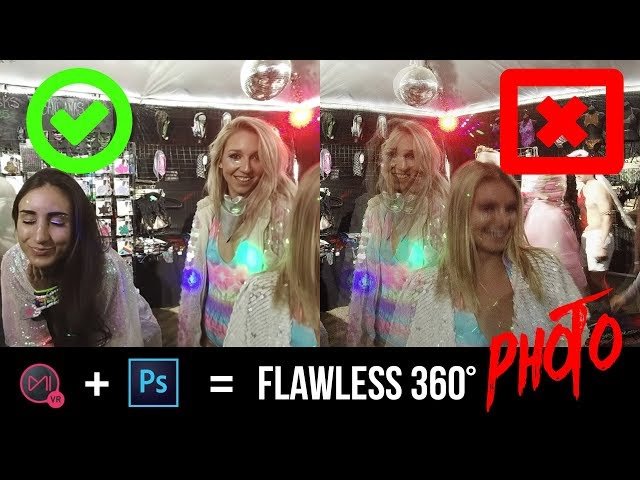
Mistika VR + Photoshop CC 2018 - Stitch and Edit Flawless 360 Degree Panorama Photo How To
Automatically move to the next video in the Classroom when playback concludes
- 1 - Introduction.
- 2 - Stitching problem explain
- 3 - rename and prep for Mistika VR
- 4 - Mistika VR presets
- 5 - Standard Mistika VR Workflow
- 6 - How to output the stitched photo in high resolution TIFF 16 bit-depth
- 7 - More difficult stitch example
- 8 - Advanced optical flow parallax issue
- 9 - Control stitch feather
- 10 - Add a Edge Point
- 11 - Control Edge point's sizes
- 12 - Issues when subject in stitch line even without parallax
- 13 - Color adjustment inside Mistika VR
- 14 - Readjust center of the image
- 15 - How to denoise 360 photo
- 16 - Photoshop CC 2018 part - start here
- 17 - Spherical Panorama
- 18 - Patch tripod leg with new spherical panorama view from Photoshop CC 2018
- 19 - Output photo for Facebook within Photoshop
- 20 - Upload on Faceboo

