Completed
0:00 - Intro
Class Central Classrooms beta
YouTube videos curated by Class Central.
Classroom Contents
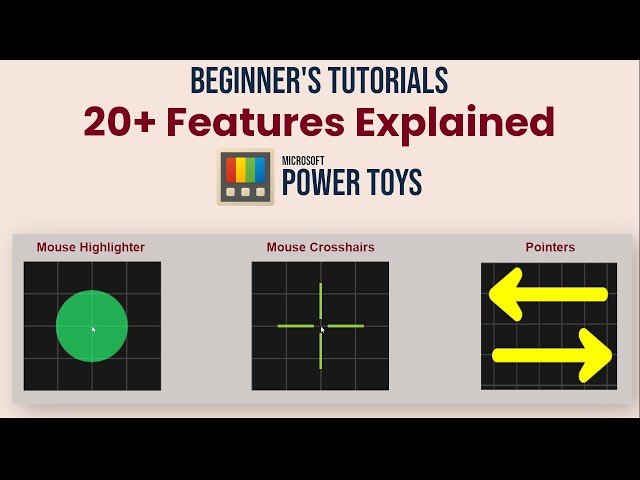
Microsoft PowerToys for Beginners - 20+ Tools Explained - Best Free Tools to Make Windows Better
Automatically move to the next video in the Classroom when playback concludes
- 1 0:00 - Intro
- 2 0:10 - Downloading & Installing
- 3 1:21 - Enabling & Disabling PowerToys
- 4 2:01 - Text Extractor Feature
- 5 3:04 - Image Resizer
- 6 4:15 - Peek
- 7 4:45 - Colour Picker
- 8 6:07 - Shortcut Guide
- 9 6:44 - New +
- 10 7:43 - Screen Ruler
- 11 8:30 - Always on Top
- 12 9:14 - Awake
- 13 9:52 - Quick Accent
- 14 10:37 - Crop & Lock
- 15 11:50 - Find My Mouse
- 16 12:15 - Mouse Highlighter
- 17 13:34 - Mouse Jump
- 18 14:04 - Mouse Pointer Crosshairs
- 19 14:56 - Command Palette
- 20 15:48 - PowerToys Run
- 21 16:41 - Power Rename
- 22 17:26 - Fancy Zones
- 23 19:35 - Workspaces
- 24 20:49 - Keyboard Manager
- 25 22:54 - ZoomIt best feature for explainers
- 26 27:54 - Advanced Paste
- 27 30:17 - Mouse without Borders

