Completed
Introduction
Class Central Classrooms beta
YouTube videos curated by Class Central.
Classroom Contents
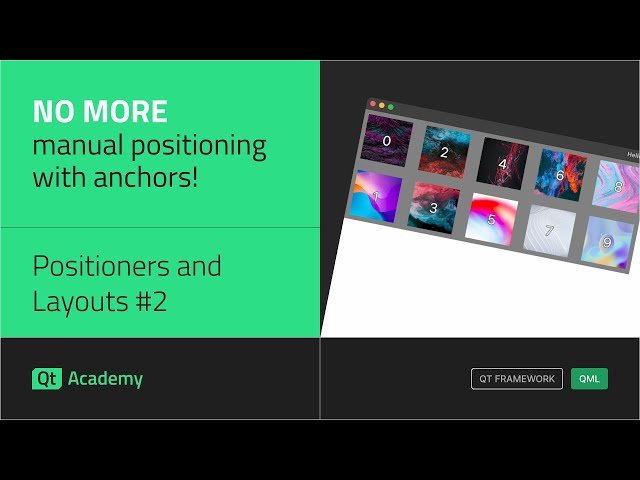
Master QML Positioners - Row, Column, Grid and Flow - Positioners and Layouts #2
Automatically move to the next video in the Classroom when playback concludes
- 1 Introduction
- 2 Creating a new project and adding assets
- 3 Setting up Image delegate and using Repeater
- 4 Making image sizes consistent
- 5 What all positioner types have in common
- 6 Using the Row type
- 7 Changing Row to Column
- 8 Using Grid type and experimenting with properties
- 9 Applying layoutDirection, LayoutMirroring, and flow properties
- 10 Flow type and how it differs from Grid
- 11 Positioner attached properties
- 12 Pros and cons of Positioners

