
Completed
00:22:07 - Demonstration Recap: Seamless Multitasking and Hands-Free Copilot Use
Class Central Classrooms beta
YouTube videos curated by Class Central.
Classroom Contents
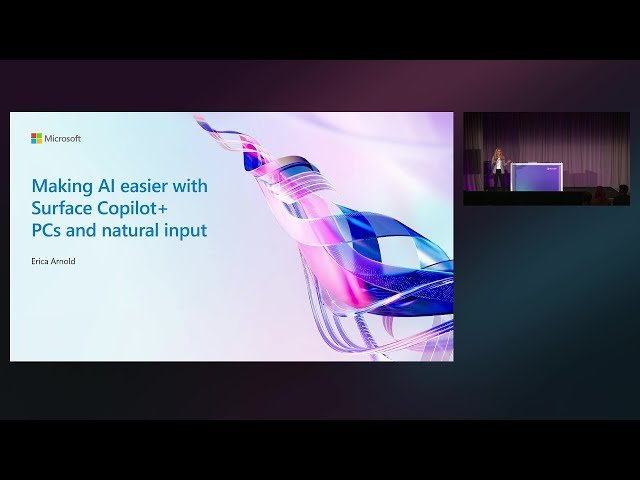
Making AI Easier with Surface Copilot+ PCs and Natural Input - BRK301
Automatically move to the next video in the Classroom when playback concludes
- 1 0:00 - Audience engagement on everyday use of pen, touch, and voice
- 2 00:01:37 - Vision behind Surface two-in-one devices and creativity through natural interaction
- 3 00:04:23 - Transition to multimodal AI workflows and interaction fundamentals
- 4 00:06:36 - Visceral examples of improving touch usability in apps like Outlook
- 5 00:12:16 - Importance of staying in flow state and avoiding context switching
- 6 00:15:31 - Discussion on cognitive load and motivation with AI simplifying tasks
- 7 00:18:15 - Using Pen and Shading in Concept Mood Board
- 8 00:21:24 - Analyzing Project Budget and Expenses through Copilot Queries
- 9 00:22:07 - Demonstration Recap: Seamless Multitasking and Hands-Free Copilot Use

