Completed
00:00 - Introduction
Class Central Classrooms beta
YouTube videos curated by Class Central.
Classroom Contents
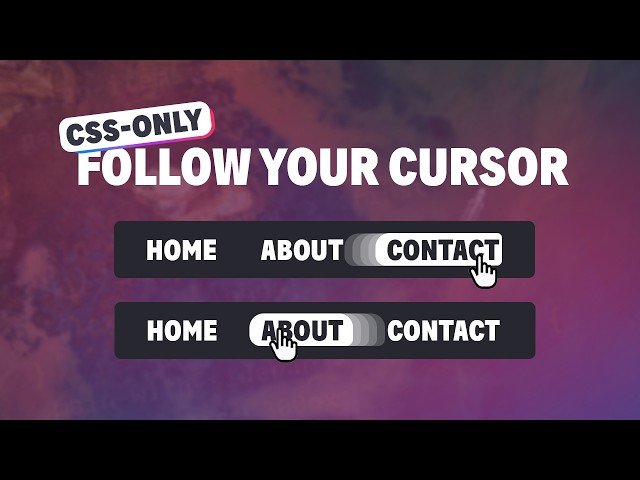
Create a Fun Cursor-Following Effect with Pure CSS
Automatically move to the next video in the Classroom when playback concludes
- 1 00:00 - Introduction
- 2 00:37 - Basic setup
- 3 02:18 - Adding the pseudo-element for the “bubble”
- 4 03:30 - My first failed attempt at using anchor positioning
- 5 08:12 - How you can animate the anchor position between elements
- 6 10:20 - Be careful with position relative and anchor positioning
- 7 13:40 - Using calc with anchor
- 8 16:50 - Fixing the stacking of elements
- 9 17:45 - Improving the animation and shapes
- 10 20:16 - The cutout effect

