Completed
0:00 Introduction to AI animation without programming or GPU
Class Central Classrooms beta
YouTube videos curated by Class Central.
Classroom Contents
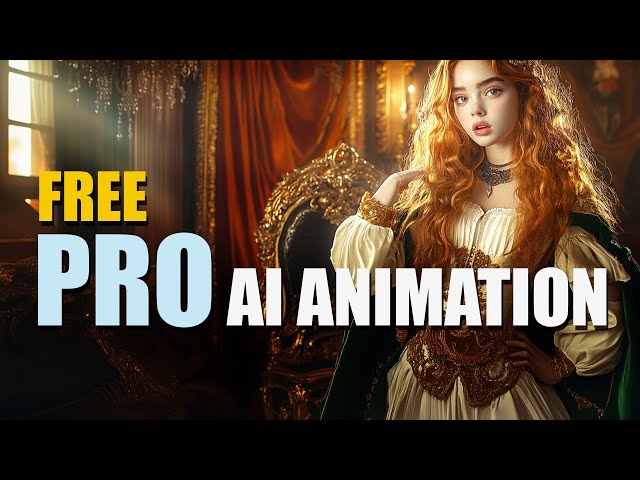
Make Pro Animation for FREE - No Hardware Required
Automatically move to the next video in the Classroom when playback concludes
- 1 0:00 Introduction to AI animation without programming or GPU
- 2 0:42 Defining keyframes for AI animations
- 3 1:30 Expanding animations by shifting end frames
- 4 2:07 Traditional animation method and AI as in-betweener
- 5 2:38 Four tools to create keyframes
- 6 3:03 Using ChatGPT to write prompts for MidJourney
- 7 3:34 Prompt structure for MidJourney and other tools
- 8 4:34 Using Google ImageFX for free AI image generation
- 9 5:10 Using Wisk to generate background and style
- 10 6:25 Rembrandt style background creation
- 11 7:03 ChatGPT image generation and format importance
- 12 8:13 Controlling consistency with image references
- 13 9:05 Uploading image references to ChatGPT
- 14 9:54 Problems with inconsistent keyframes and artifacts
- 15 10:47 Using character reference in MidJourney
- 16 11:46 Generating wide-format consistent images in ChatGPT
- 17 12:35 Prompting for zoom and rotation in ChatGPT
- 18 13:39 Avoiding quality degradation with ChatGPT images
- 19 14:42 Planning a sequence of keyframes
- 20 15:46 Downloading and organizing images for animation
- 21 16:26 Uploading images into VidU AI for animation
- 22 17:30 Generating camera movement descriptions with GPT
- 23 18:03 Using free credits and links in description
- 24 19:03 Uploading first and last frames for first animation
- 25 20:02 Settings explanation in VidU AI
- 26 21:13 Creating multiple animation segments
- 27 22:18 Explaining subscription and credits in VidU AI
- 28 23:04 Creating loopable animation using bounce technique
- 29 24:10 Reviewing rendered animation transitions
- 30 25:06 Dealing with background changes and fog effects
- 31 26:04 Testing different animation settings
- 32 27:02 Assembling animation and music in editing software
- 33 28:02 Using Suno to generate music with ChatGPT prompts
- 34 29:16 Generating and exporting music track
- 35 30:06 Video editing overview with DaVinci Resolve
- 36 31:00 Importing and trimming clips in DaVinci Resolve
- 37 32:00 Cleaning up transitions between animation clips
- 38 33:31 Adding transition effects and music track
- 39 34:42 Creating smooth looping video animation
- 40 35:48 Exporting final video project from DaVinci
- 41 36:59 Reviewing completed animated video
- 42 38:47 Creating consistent characters for AI animation
- 43 39:42 Hiding inconsistencies with stylized effects
- 44 40:53 Prompting ChatGPT for cartoon-inspired illustrations
- 45 42:00 Emphasizing exact style and character match
- 46 43:04 Creating character references from real photos
- 47 44:49 Uploading reference views to VidU AI
- 48 45:56 Creating back and side views for character
- 49 47:02 Using VidU AI to animate reference characters
- 50 48:39 Adding background and rendering animation
- 51 50:05 Preventing extra characters in background
- 52 51:03 Reviewing wild AI animation results
- 53 51:35 Using specific prompts for controlled animations
- 54 52:01 Conclusion and final tips with links

