Completed
0:00 Intro
Class Central Classrooms beta
YouTube videos curated by Class Central.
Classroom Contents
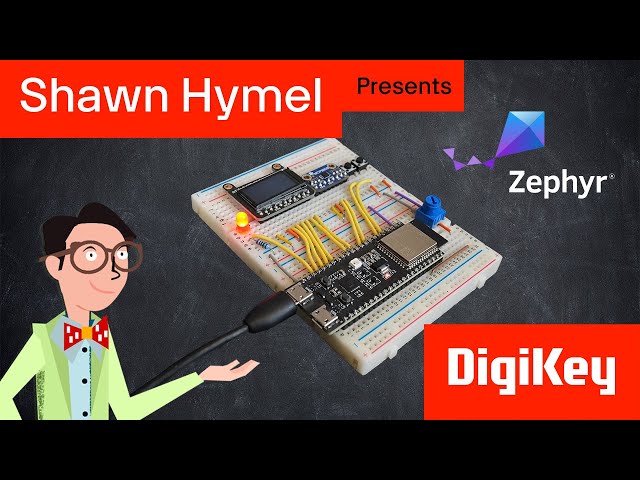
Introduction to Zephyr Part 1: Getting Started - Installation and Blink
Automatically move to the next video in the Classroom when playback concludes
- 1 0:00 Intro
- 2 2:27 Syllabus
- 3 7:06 Prerequisites
- 4 7:52 History of Zephyr
- 5 8:55 Required Hardware
- 6 12:13 Build Docker Image for the Development Environment
- 7 23:07 Using a Browser With the Docker Image
- 8 24:23 Using Local VS Code With the Docker Image
- 9 28:07 Building Blink Demo
- 10 36:09 Flash Blink Demo
- 11 41:39 Using the Python Serial Terminal
- 12 42:29 Conclusion

