Completed
- Start
Class Central Classrooms beta
YouTube videos curated by Class Central.
Classroom Contents
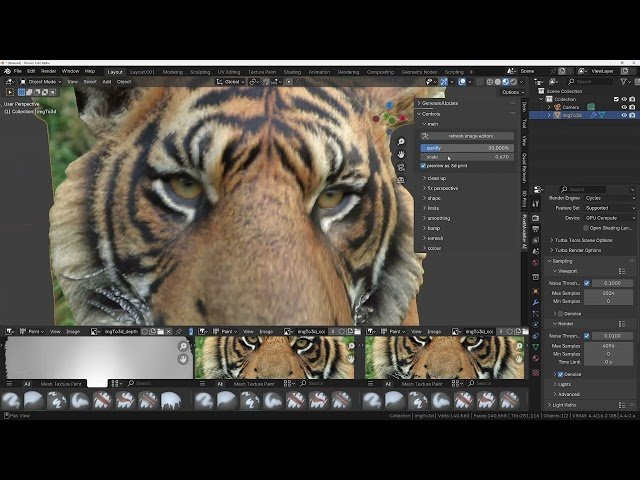
Generate 3D Models with PixelModeller AI - Quick Start Guide
Automatically move to the next video in the Classroom when playback concludes
- 1 - Start
- 2 - Installation
- 3 - Generation options
- 4 - Generate a model
- 5 - Main options
- 6 - C lean up options
- 7 - Fix Perspective
- 8 - Shape Options
- 9 - Limits Options
- 10 - Smoothing Options
- 11 - 3d Bump Options
- 12 - Remesh Options
- 13 - Colour Options
- 14 - Convert to Mesh
- 15 - Remove Stretching with Vertex Painting
- 16 - Fix Stretching with Texture Painting

