Completed
0:00 Introduction: Apple Enterprise Growth and WWDC 2025 Announcements
Class Central Classrooms beta
YouTube videos curated by Class Central.
Classroom Contents
Implementing New Apple Management Features for Your Organization
Automatically move to the next video in the Classroom when playback concludes
- 1 0:00 Introduction: Apple Enterprise Growth and WWDC 2025 Announcements
- 2 2:56 Apple Business Manager/School Manager AXM Overview and New Features
- 3 4:08 Domain Capture Changes: 30-Day Window and Executive Transition Strategies
- 4 6:22 Device Account Restrictions: Limiting Sign-Ins to Managed Accounts
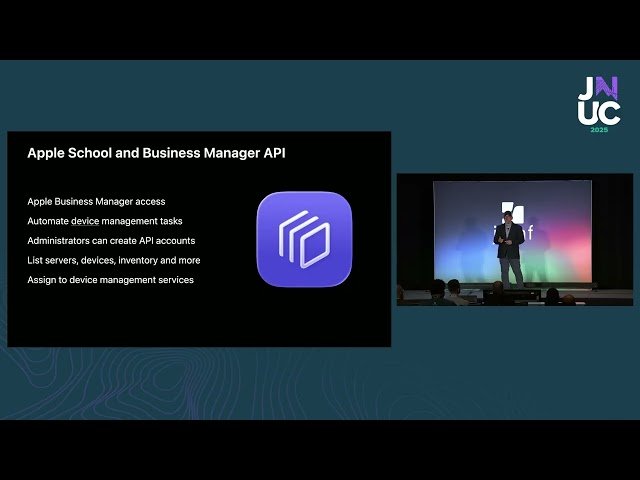
- 5 7:13 Apple Business Manager API: Automating Device Inventory and MDM Assignment
- 6 9:37 API Implementation: OAuth Authentication with Python and PEM Certificates
- 7 13:16 Open-Source Tools: ASM-BBUtil and API Client for Testing
- 8 15:11 Device Migration: Elegant MDM Transitions Without Wiping Devices
- 9 17:28 Migration Prerequisites: Enrollment Networks and Configuration Matching
- 10 21:24 Return-to-Service: Preserving Managed Apps on iOS/iPadOS/visionOS 26
- 11 23:01 Vision Pro Return-to-Service: On-Device Initiation and Wi-Fi Profile Requirements
- 12 26:06 Vision Pro User Experience: Eyesight Animation and Enrollment Data Transfer
- 13 27:40 Platform SSO Overview: Evolution from SSO Extensions to Setup Assistant Integration
- 14 29:38 Authenticated Guest Mode: Shift Worker Workflows with Session Cleanup
- 15 32:13 Authenticated Guest Mode Demo: Microsoft Entra ID Integration and Desktop Cleanup
- 16 36:30 Tap-to-Login: NFC-Based Authentication with iPhone/Apple Watch Express Mode

