Completed
01:38 Loading the ComfyUI Hunyuan 3D 2.1 template
Class Central Classrooms beta
YouTube videos curated by Class Central.
Classroom Contents
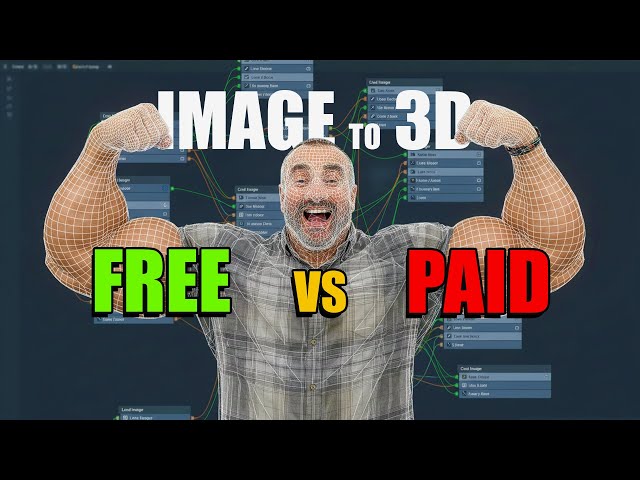
Image to 3D Model with AI - Free vs Paid - Which One Actually Delivers?
Automatically move to the next video in the Classroom when playback concludes
- 1 00:00 Intro – Generating 3D models from images free vs paid
- 2 00:40 Hunyuan 3D 2.1 vs 2.0 and PBR overview
- 3 01:38 Loading the ComfyUI Hunyuan 3D 2.1 template
- 4 02:22 Paid services overview – Meshy and Hiems 3D vs local model
- 5 03:13 Online Hunyuan demo if your GPU can’t run 2.1 locally
- 6 03:48 Test images lineup – simple model, my face, and “funny” half-body
- 7 04:50 Local Hunyuan 3D 2.1 test on RTX 3090 default settings
- 8 05:36 Inspecting Hunyuan mesh quality and polygon distribution
- 9 07:55 Hiems 3D low, high, and Pro resolutions – is Pro worth it?
- 10 10:01 When the free local model is “good enough” for simple assets
- 11 10:18 Portrait test – local Hunyuan struggles with hands and face
- 12 11:13 Meshy portrait result – improvements and remaining issues
- 13 12:01 Hiems 3D portrait result – closer likeness, better details
- 14 13:08 Harder test with background – exposing local model limits
- 15 15:06 Meshy and Hiems 3D on complex pose – final quality comparison
- 16 17:37 Conclusion – Hiems 3D “king of the hill” and next PBR texture video

