
Completed
Saving files for use in CC Libraries
Class Central Classrooms beta
YouTube videos curated by Class Central.
Classroom Contents
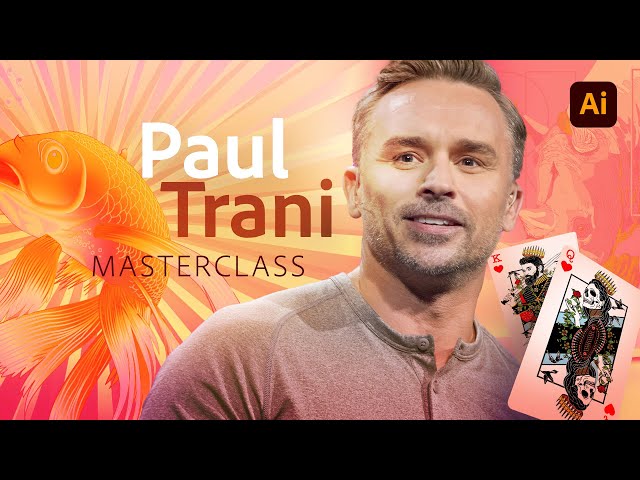
Illustrator Masterclass - New Features and Pro Tips
Automatically move to the next video in the Classroom when playback concludes
- 1 Start
- 2 Covering new features of Illustrator
- 3 Saving document templates
- 4 Illustrator hotkeys
- 5 Snap to glyph
- 6 Rotate and copy
- 7 Editing a bounding box
- 8 Creating a radial element with a dashed line
- 9 Scale stroke while resizing elements
- 10 Creating custom brushes
- 11 Toggle for scaling effects and strokes
- 12 Recolor artwork
- 13 New text sizing
- 14 Illustrator for the Ipad - drawing with pencil tool
- 15 Saving files for use in CC Libraries
- 16 Global editing

