
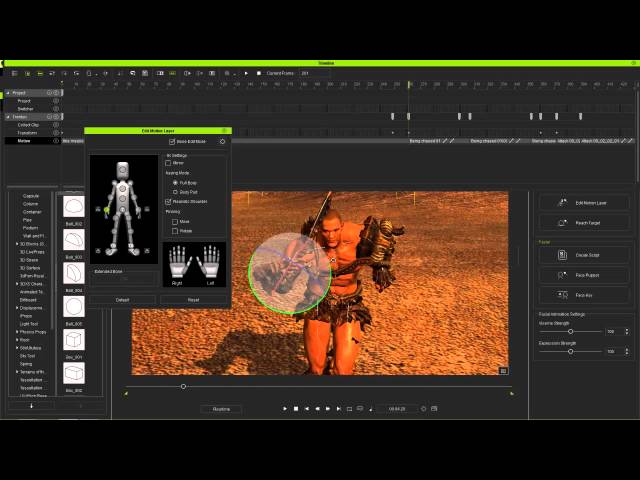
iClone 6 Tutorial - Creating a Dramatic Fighting Sequence

iClone 6 Tutorial - Creating a Dramatic Fighting Sequence

Reallusion via YouTube Direct link

Simple Facial Animation

8 of 10

8 of 10

Simple Facial Animation

Class Central Classrooms beta

YouTube videos curated by Class Central.

Classroom Contents

iClone 6 Tutorial - Creating a Dramatic Fighting Sequence

Automatically move to the next video in the Classroom when playback concludes

  1. 1 Motion Plus
  2. 2 Looping Motion Clips
  3. 3 Transition Feet Sliding
  4. 4 Root Motion Clip Transitions
  5. 5 Creating Slow Motion Clips
  6. 6 Clip Time Warp
  7. 7 Motion Key Editor
  8. 8 Simple Facial Animation
  9. 9 Direct Puppet
  10. 10 Good Vibrations

Never Stop Learning.

Get personalized course recommendations, track subjects and courses with reminders, and more.

Someone learning on their laptop while sitting on the floor.