Completed
: Combining street + character refs side view, boots closeups for tapping
Class Central Classrooms beta
YouTube videos curated by Class Central.
Classroom Contents
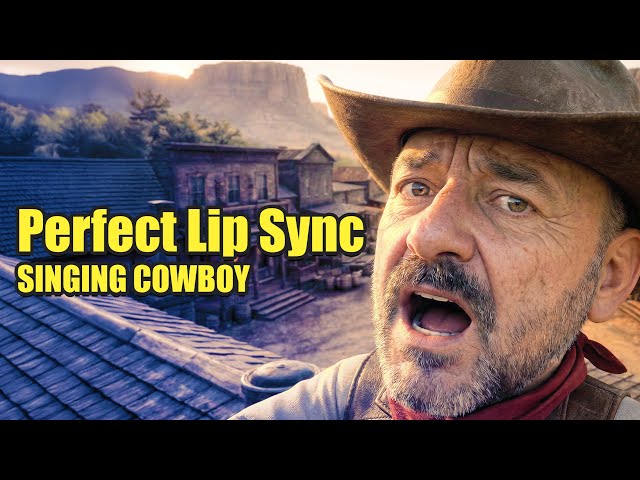
Creating AI Music Videos - Complete Workflow from Character to Lip Sync
Automatically move to the next video in the Classroom when playback concludes
- 1 : Cold open — angry cowboy lyric hook
- 2 : What’s in this video — AI characters, song, camera moves, lip sync
- 3 : Writing the song idea + lyrics with ChatGPT funny cowboy + runaway shadow
- 4 : Making the track in Suno Custom Mode + lyrics + style settings
- 5 : Generating multiple versions and picking the best take
- 6 : DomoAI Pro overview — using Relax Mode for lots of renders
- 7 : Nano Banana — creating keyframes main frames + filler/in-betweens
- 8 : Building strong character references angles, outfit, banjo/props
- 9 : Combining street + character refs side view, boots closeups for tapping
- 10 : Aspect ratio tips lock 16:9 + saving keyframes to Assets
- 11 : Talking Avatar workflow — lip sync setup this is where credits are used
- 12 : Cutting the song into 10–20s segments to save credits
- 13 : Generating lip-sync clips no watermark, quality check
- 14 : Pro tip — render close-up + mid-shot for clean camera cutting
- 15 : Image-to-video — creating motion from a single frame start/end frames
- 16 : Editing in DaVinci Resolve — assembling music + clips
- 17 : Adding synced detail layers boots, extra moments, story beats
- 18 : Final result + links/resources + wrap-up
- 19 : Full AI cowboy song playback

