Completed
07:57 Set Up the Email
Class Central Classrooms beta
YouTube videos curated by Class Central.
Classroom Contents
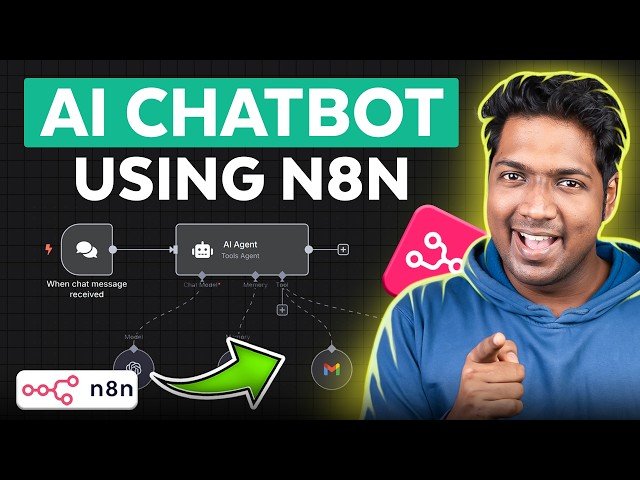
Building an AI Website Assistant with n8n RAG Template
Automatically move to the next video in the Classroom when playback concludes
- 1 00:00 Intro
- 2 00:44 To Set Up the N8N Platform
- 3 01:06 Get the N8N Hosting
- 4 02:40 Set Up N8N
- 5 03:20 Import a Workflow
- 6 04:14 Set Up the AI Agent
- 7 04:24 Set Up Open AI Chat Model
- 8 05:27 Set Up the Memory
- 9 07:57 Set Up the Email
- 10 11:42 Create an AI Assistant
- 11 15:13 To Set up RAG
- 12 16:25 Connect Website Assistant
- 13 16:42 Add Website Assistant
- 14 18:54 Customise the Website Assistant

