Completed
0:00 - Why I needed to build my own Gigapixel node for ComfyUI
Class Central Classrooms beta
YouTube videos curated by Class Central.
Classroom Contents
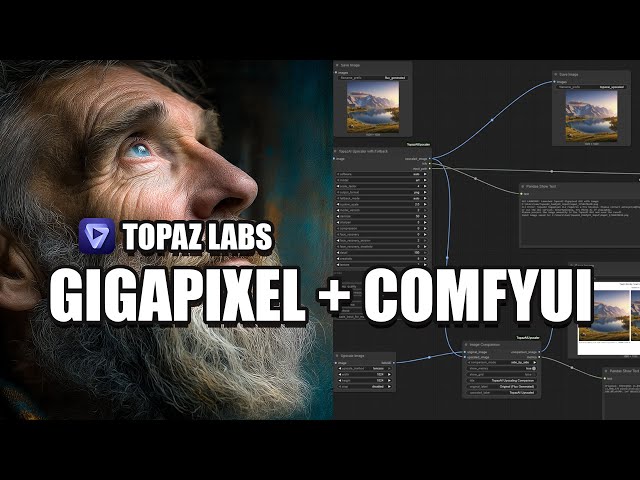
How to Use Topaz Gigapixel AI with ComfyUI - Custom Node
Automatically move to the next video in the Classroom when playback concludes
- 1 0:00 - Why I needed to build my own Gigapixel node for ComfyUI
- 2 0:12 - You can download and use the node for free
- 3 0:27 - Problem with Gigapixel's CLI and GUI access
- 4 0:52 - Node supports both Pro and regular versions
- 5 1:05 - Starting with the professional version workflow
- 6 1:24 - Generating a test image with SDXL
- 7 1:36 - The Topaz upscaler node with fallback logic
- 8 1:53 - Detecting installed versions and setting paths
- 9 2:28 - Comparing original and upscaled images
- 10 2:58 - Output path and saving behavior explained
- 11 3:34 - GUI fallback when CLI isn't available
- 12 4:02 - Why I developed this node for personal use
- 13 4:26 - Running the workflow and launching Gigapixel
- 14 5:01 - Adjusting upscale settings in the UI
- 15 5:33 - Simulated test with non-pro version
- 16 6:03 - Where the upscaled image is saved
- 17 6:34 - Reviewing upscaled image quality and details
- 18 7:12 - Download Gigapixel and support via affiliate link
- 19 7:42 - How to install the node
- 20 8:15 - Two download options: Google Drive and Patreon
- 21 8:27 - Preview of bonus experimental nodes
- 22 8:54 - Where to place the node files in ComfyUI
- 23 9:38 - Required libraries and install commands
- 24 10:34 - Using the included example workflow
- 25 10:56 - Breakdown of included node files
- 26 11:42 - Code checks for default Gigapixel/Photo AI install paths
- 27 12:24 - Designed primarily for CLI, limited GUI support
- 28 12:45 - How to search and use the node inside ComfyUI
- 29 13:35 - Setting file save paths for continued workflows
- 30 14:00 - Node functionality overview and output usage
- 31 14:12 - Bonus: Fun experimental node - Smart Recorder
- 32 14:33 - Record chipmunk-style or robotic voices
- 33 15:31 - Customize pitch, reverb, echo and more
- 34 16:00 - Future use: Lip-sync projects and fun voices
- 35 16:09 - Join my ComfyUI courses and learn more
- 36 16:44 - Let me know if you’re interested in more fun nodes
- 37 17:06 - Thanks for watching and supporting the channel

