Completed
0:00 Intro
Class Central Classrooms beta
YouTube videos curated by Class Central.
Classroom Contents
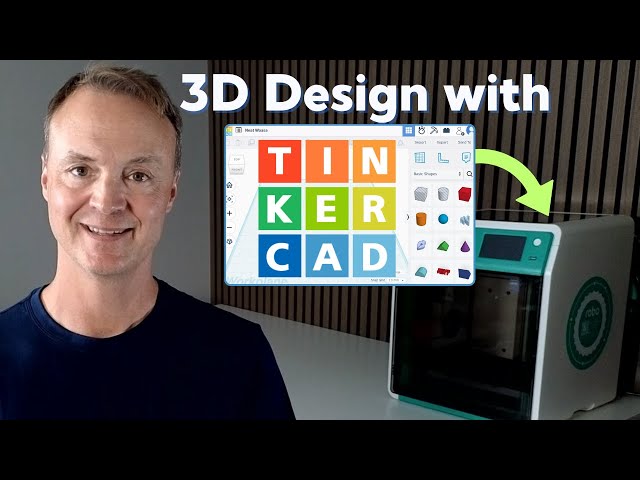
How to Use Tinkercad for 3D Printing - Step-by-Step Beginner's Guide
Automatically move to the next video in the Classroom when playback concludes
- 1 0:00 Intro
- 2 0:55 What is Tinkercad?
- 3 1:31 Create a 3D design in Tinkercad
- 4 2:26 Working with a shapes on the workplane
- 5 3:32 Adjusting shape prosperities
- 6 6:32 Scribble shapes
- 7 7:17 Adding text
- 8 7:35 Workplane settings
- 9 8:11 Using Ruler and workplane tool
- 10 10:17 Grouping shapes
- 11 11:52 Subtracting a shape from another shape
- 12 12:31 File naming and Dashboard
- 13 13:15 Creating a keychain to export to 3D print
- 14 15:34 Exporting to STL
- 15 16:25 Loading STL file to slicer
- 16 17:30 Slicing for 3D printing
- 17 18:03 Sending to 3D print

