Completed
08:57 How to Add & Edit and Customize Text
Class Central Classrooms beta
YouTube videos curated by Class Central.
Classroom Contents
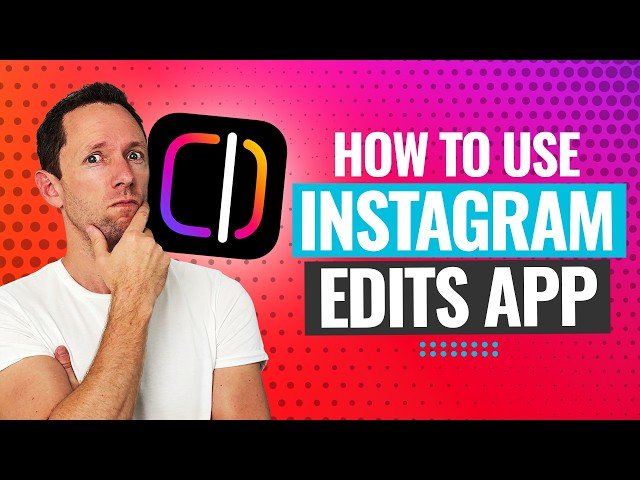
How to Use the New Instagram Edits App - Step-by-Step
Automatically move to the next video in the Classroom when playback concludes
- 1 00:00 How to Use the New Instagram Edits App Step-by-Step
- 2 00:44 Instagram Edits App Interface
- 3 01:16 How to Use the Ideas & Inspiration Tabs
- 4 02:35 Starting a New Project in Instagram Edits
- 5 03:14 In-App Camera Settings
- 6 04:40 How to Use the Built-in Teleprompter
- 7 05:38 How to Use the Green Screen Effect
- 8 06:10 Adding Music to Your Video
- 9 07:39 How to Trim, Split & Add Clips
- 10 08:57 How to Add & Edit and Customize Text
- 11 09:53 How to Generate Automatic Video Captions
- 12 10:40 How to Add B-Roll & Overlay Clips
- 13 11:35 How to Use the Cutout Tool
- 14 12:53 Apply Restyle AI Filters to Your Video
- 15 14:12 How to Use Voice Enhancement for Better Audio
- 16 14:44 How to Change Quality and Export Your Video
- 17 15:05 Final Thoughts on the Instagram Edits App

