Completed
8:34 Configuring your tool
Class Central Classrooms beta
YouTube videos curated by Class Central.
Classroom Contents
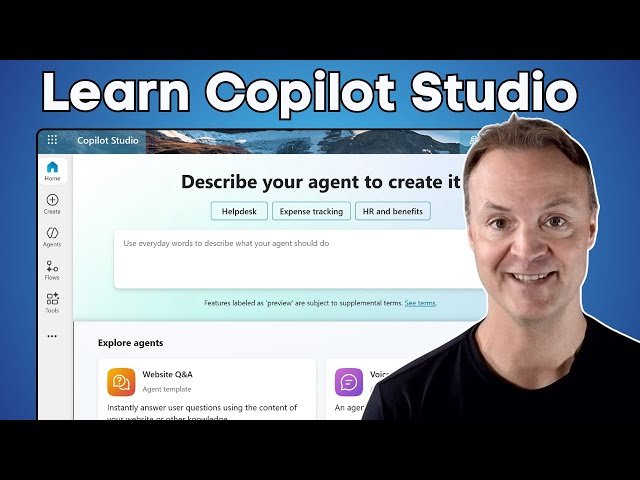
How to Use Microsoft Copilot Studio for Beginners
Automatically move to the next video in the Classroom when playback concludes
- 1 0:00 - Intro: From Simple Bot to Powerful Automator
- 2 0:22 - Welcome to Microsoft Copilot Studio The "Workshop"
- 3 1:10 - Creating your agent from scratch
- 4 3:10 - Adding knowledge to your agent
- 5 4:20 Suggested prompts for your agent
- 6 6:38 Testing your agent
- 7 7:11 Adding a tool to your agent to complete tasks
- 8 8:34 Configuring your tool
- 9 10:59 Activity map in Copilot Studio
- 10 11:27 Create a trigger for you agent
- 11 14:31 Formatting agent emails
- 12 15:24 Checking agent activity
- 13 17:09 Publishing your agent in Microsoft Copilot Studio
- 14 18:13 Examining agent analytics
- 15 12:50 - Conclusion: What's Next for Your AI Bot?

