Completed
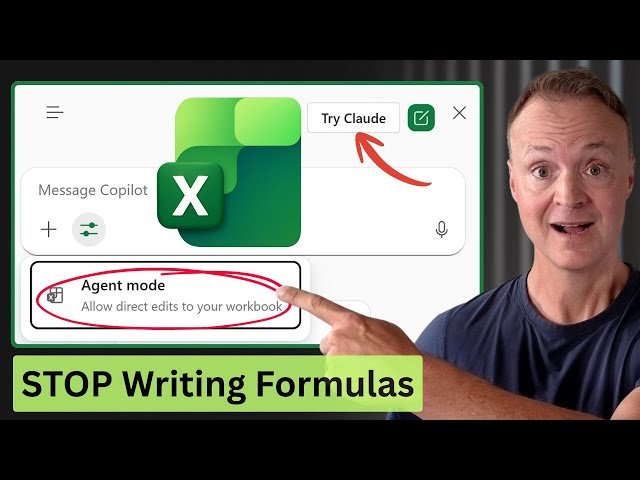
0:00 - The Future of Excel: From Copilot to Agents
Class Central Classrooms beta
YouTube videos curated by Class Central.
Classroom Contents
How to Use AI Agent Mode in Microsoft Excel - Step-by-Step
Automatically move to the next video in the Classroom when playback concludes
- 1 0:00 - The Future of Excel: From Copilot to Agents
- 2 0:56 - How to Access Agent Mode Excel Labs & Requirements
- 3 2:38 - The Big Difference: Copilot vs. AI Agents
- 4 2:59 - Demo: Delegating Complex Multi-Step Tasks
- 5 5:29 - Creating an Instant Dashboard with One Prompt
- 6 8:40 - Switching AI Models: OpenAI vs. Claude in Excel
- 7 9:00 - Using Web Search to Merge Real-Time Data
- 8 10:32 - 3 Golden Rules for Using AI Agents
- 9 11:21 - Is this the end of manual spreadsheets?

