Completed
Intro 0:00
Class Central Classrooms beta
YouTube videos curated by Class Central.
Classroom Contents
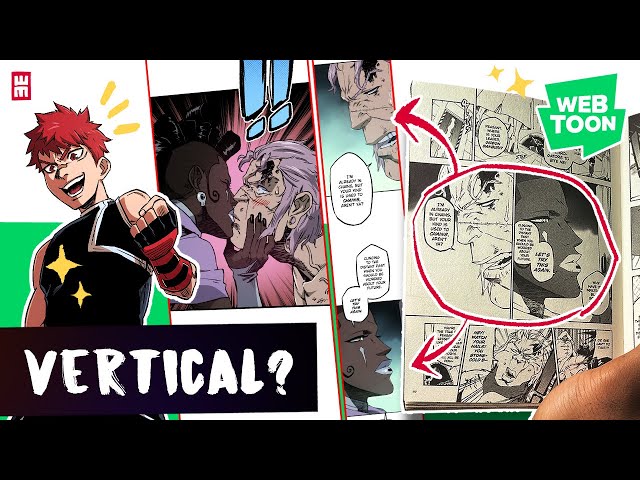
How to Convert Manga to WEBTOON Format Step by Step
Automatically move to the next video in the Classroom when playback concludes
- 1 Intro 0:00
- 2 CSP Reformatting Art Tips 2:08
- 3 Vertical Scroll Dimension Settings 2:43
- 4 Transferring Layers from Print to Scroll 9:16
- 5 Spacing Between Panels on Scroll 18:15
- 6 How Many Panels per Episode? 21:32
- 7 Adding Readable Text 26:02
- 8 Title and End Cards 29:29
- 9 Text Bubbles and Balloons POP! 31:16
- 10 Text Boxes 35:10
- 11 Sound Effects POP! and Panel Transitions 35:31
- 12 WEBTOON Reading Experience 37:19
- 13 Speedlines 40:10
- 14 Double-Spread Panels and Cutting Panels in Half? 40:58
- 15 Export Webtoon 41:50
- 16 Outro 42:56

