Completed
06:34 To generate the code
Class Central Classrooms beta
YouTube videos curated by Class Central.
Classroom Contents
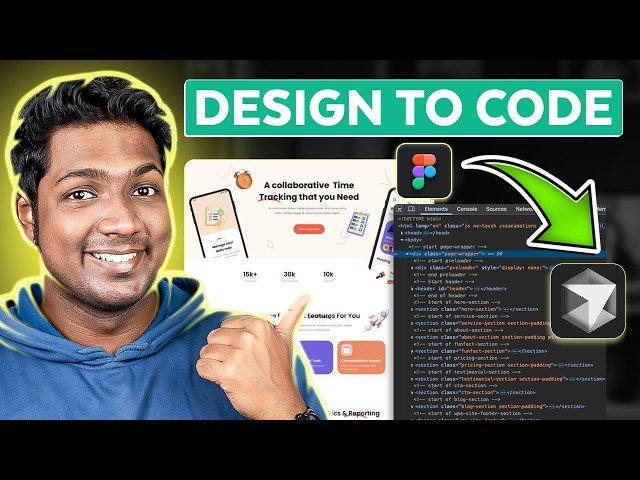
How to Turn Figma Designs into Live Websites in 10 Minutes
Automatically move to the next video in the Classroom when playback concludes
- 1 00:00 Intro
- 2 00:45 Install the required software
- 3 00:57 To Install Node.js
- 4 01:48 To Install Cursor AI
- 5 03:04 To Connect Cursor AI with Figma MCP
- 6 03:28 Chose folder to save project file
- 7 03:45 To Add Figma MCP code to Cursor AI
- 8 05:34 To convert Figma design into code
- 9 05:42 To Add the prompt to cursor AI
- 10 06:07 Add the Figma design to the prompt
- 11 06:34 To generate the code
- 12 08:14 To Make your website go live
- 13 08:31 To connect cursor AI to Github MCP
- 14 10:36 To Upload the code to Github
- 15 12:03 To connect Github with Netlify

