Completed
03:00 - Using novalidate and manually checking validation
Class Central Classrooms beta
YouTube videos curated by Class Central.
Classroom Contents
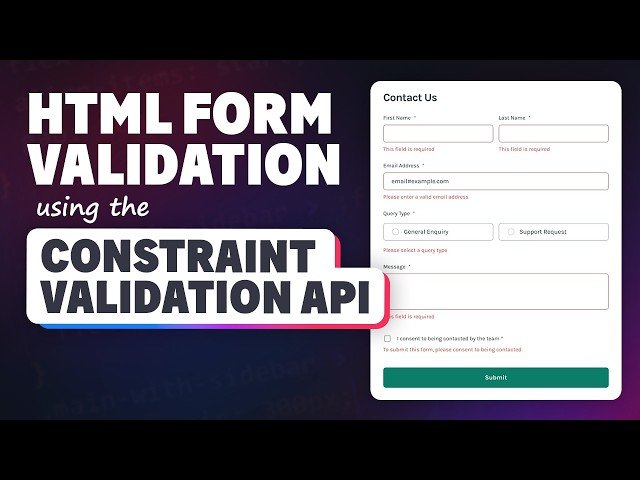
How to Set Custom Error Messages for Your HTML Forms
Automatically move to the next video in the Classroom when playback concludes
- 1 00:00 - Introduction
- 2 03:00 - Using novalidate and manually checking validation
- 3 09:30 - Checking all the form fields
- 4 15:00 - Adding error messages
- 5 17:30 - Removing the error elements when they are empty
- 6 18:52 - Styling for the error states
- 7 20:20 - aria-live=”polite”
- 8 22:00 - Custom text for each error message
- 9 25:25 - Adding the errors for the radio buttons
- 10 29:00 - Adding error messages when the user moves out of a form field
- 11 32:45 - Removing error messages when a user fixes the problem
- 12 34:00 - Adding focus to the first invalid element on submit
- 13 36:40 - Fixing the layout when error messages appear

