Completed
03:30 Recap
Class Central Classrooms beta
YouTube videos curated by Class Central.
Classroom Contents
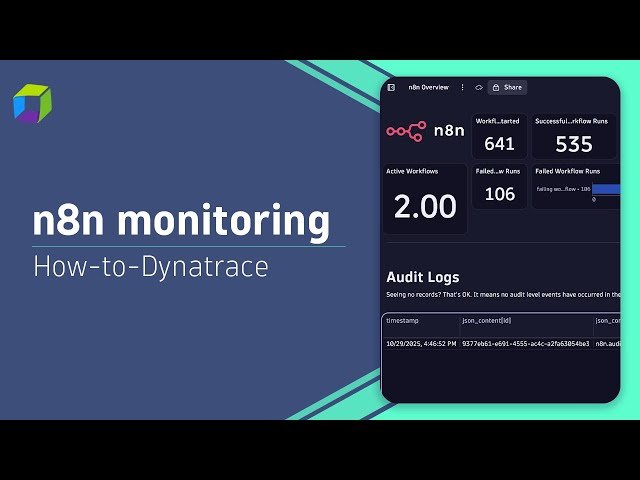
How to Monitor n8n with Dynatrace - AI Observability
Automatically move to the next video in the Classroom when playback concludes
- 1 00:00 Intro
- 2 00:20 Preparation
- 3 01:12 Retrieve Dynatrace Dashboards
- 4 01:38 Upload Dynatrace Dashboards
- 5 02:06 Retrieve n8n code
- 6 02:23 Define Environment Variables
- 7 03:30 Recap
- 8 03:57 Define Collector Configuration
- 9 05:03 Start n8n
- 10 06:02 Create workflows
- 11 07:56 View Data in Dynatrace
- 12 11:20 Outro

