Completed
- Creating transition from one clip to the next
Class Central Classrooms beta
YouTube videos curated by Class Central.
Classroom Contents
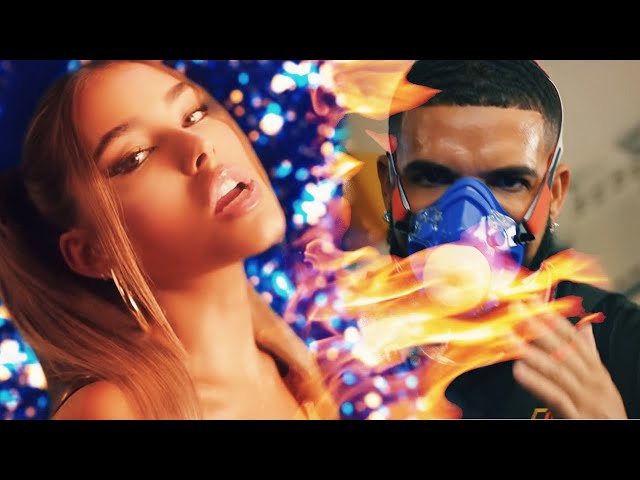
How to Make Custom Glow - Burn Transitions - Adobe Premiere - After Effects
Automatically move to the next video in the Classroom when playback concludes
- 1 - Intro
- 2 - Begin Making Transition Animation Path
- 3 - Example of what Track Matte can do
- 4 - Applying what we know about track matte to our animation path
- 5 - Double exposure effect with our custom transition
- 6 - Creating transition from one clip to the next
- 7 - Adding presets / plugins to customize transition links below
- 8 - HOW TO USE FREE PRESETS I MADE
- 9 - How to do everything mentioned in AFTER EFFECTS
- 10 - Changing our GLOW TRANSITION into a FIRE BURN transition

