Completed
28:38 Create Pages + Menu
Class Central Classrooms beta
YouTube videos curated by Class Central.
Classroom Contents
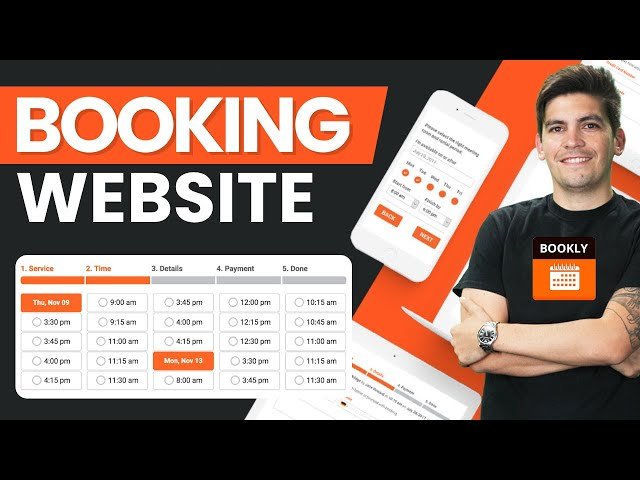
How to Make an Appointment Booking Website with WordPress and Bookly
Automatically move to the next video in the Classroom when playback concludes
- 1 00:00 Intro
- 2 03:12 Web Hosting
- 3 11:26 Wordpress Dashboard
- 4 13:43 Log In And Log Out
- 5 14:00 Import Starter Templates
- 6 19:24 Elementor Overview
- 7 28:38 Create Pages + Menu
- 8 33:26 Install Bookly Plugin
- 9 36:33 Create Booking Page
- 10 40:22 Calendar
- 11 42:21 Appointments
- 12 43:53 Staff Members
- 13 48:15 Services
- 14 52:41 Customers
- 15 53:23 Email Notifications
- 16 59:30 Appearance
- 17 01:07:10 General Settings
- 18 01:14:12 SMTP Email Settings
- 19 01:19:12 Bookly SMS Notifications
- 20 01:26:01 Bookly PRO
- 21 01:30:52 PRO Appointments
- 22 01:31:50 PRO Members
- 23 01:35:32 PRO Services
- 24 01:44:17 PRO Customers
- 25 01:45:48 PRO Email Notifications
- 26 01:48:16 PRO General Settings
- 27 01:50:18 Google Calendar Integration
- 28 01:58:27 User Permissions
- 29 02:10:07 PRO Booking Appearance
- 30 02:20:57 Bookly Addon Tutorial
- 31 02:24:31 Stripe Plugin Tutorial
- 32 02:30:49 Custom Fields Addon
- 33 02:36:14 Bookly Group Addon
- 34 02:41:31 Outro

