Completed
14:36 Return propagation in overviews
Class Central Classrooms beta
YouTube videos curated by Class Central.
Classroom Contents
How to Import LiDAR Data from LAS/LAZ Files to an MRP File in ProRaster Scientific - A Deep Dive
Automatically move to the next video in the Classroom when playback concludes
- 1 0:00 Introduction
- 2 4:57 Specify input files
- 3 6:11 Specify output file
- 4 6:43 MRP properties
- 5 8:07 Coordinate system
- 6 10:35 Vertical units
- 7 11:40 Cell size
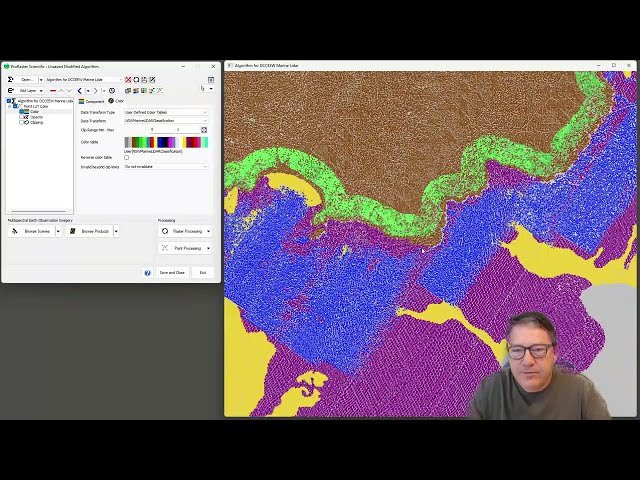
- 8 14:36 Return propagation in overviews
- 9 17:05 Import report pulse-return data
- 10 21:02 Displaying an MRP point cloud
- 11 21:38 Adding more data to an MRP
- 12 25:54 Point cloud statistics
- 13 30:10 Restarting
- 14 30:57 Temporal storage mode
- 15 37:58 Drag and Drop

