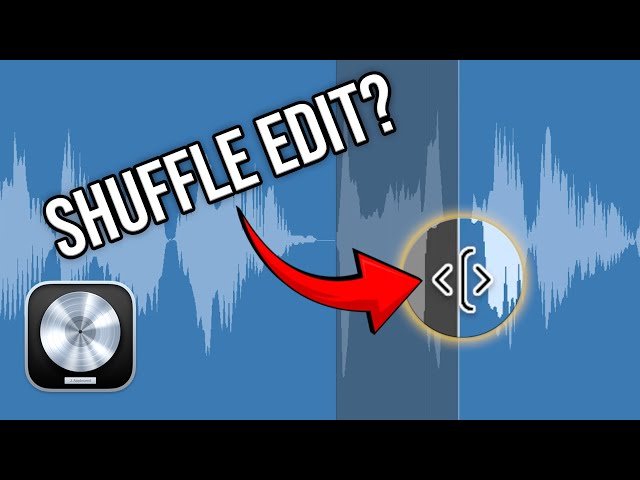
How to Edit Voiceover in Logic Pro - Tips and Tricks for Faster Editing

How to Edit Voiceover in Logic Pro - Tips and Tricks for Faster Editing

MusicTechHelpGuy via YouTube Direct link

0:00 Overview

1 of 9

1 of 9

0:00 Overview

Class Central Classrooms beta

YouTube videos curated by Class Central.

Classroom Contents

How to Edit Voiceover in Logic Pro - Tips and Tricks for Faster Editing

Automatically move to the next video in the Classroom when playback concludes

  1. 1 0:00 Overview
  2. 2 0:57 No Snap + Shuffle
  3. 3 3:28 Play From Selected Region
  4. 4 4:42 Varispeed
  5. 5 5:52 Read the Waveform
  6. 6 7:02 Tight Splicing
  7. 7 8:32 Batch Crossfade
  8. 8 9:10 Final Result & Tweaks
  9. 9 11:44 Wrap-Up

Never Stop Learning.

Get personalized course recommendations, track subjects and courses with reminders, and more.

Someone learning on their laptop while sitting on the floor.