Completed
02:35:34 Create Cart Page
Class Central Classrooms beta
YouTube videos curated by Class Central.
Classroom Contents
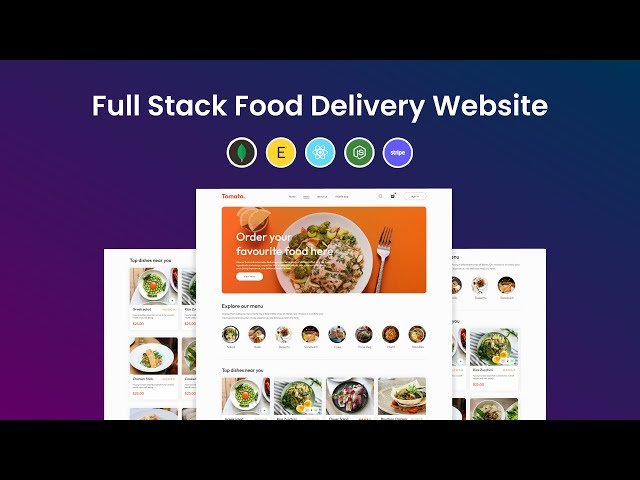
How to Create Full Stack Food Delivery Website in React JS, MongoDB, Express, Node JS and Stripe
Automatically move to the next video in the Classroom when playback concludes
- 1 00:00 Project Overview
- 2 06:39 Create Frontend food delivery website
- 3 02:04:38 Make the website responsive
- 4 02:15:03 Create Sign in / Sign up Component
- 5 02:35:34 Create Cart Page
- 6 03:09:42 Create Place order page
- 7 03:23:23 Create Backend of Food App
- 8 03:38:12 Setup MongoDB Atlas for database
- 9 04:28:12 Create Admin Panel using React JS
- 10 05:31:75 Display food list in the admin panel
- 11 05:51:35 Create user authentication login & registration feature
- 12 06:52:49 Fetch food data on frontend from databse
- 13 06:59:58 Create Shop Cart functionality
- 14 07:39:12 Create place order feature and stripe payment integration
- 15 08:45:12 Create user order page
- 16 09:16:46 Display orders in admin panel
- 17 09:42:09 Create order update feature

