Completed
02:29: Add an Attachment Field
Class Central Classrooms beta
YouTube videos curated by Class Central.
Classroom Contents
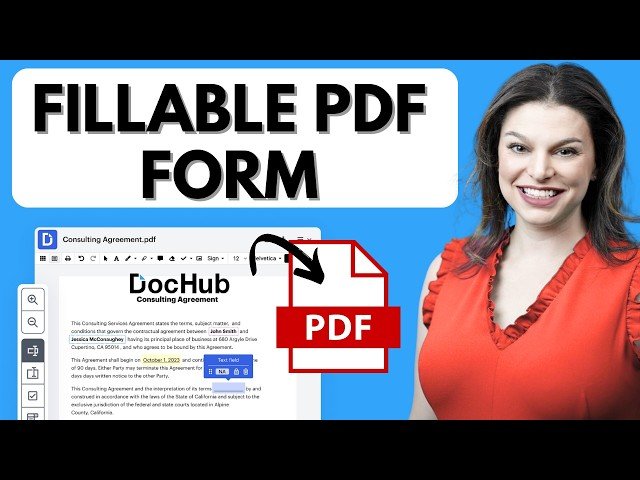
How to Create Fillable PDF Forms with Signatures for Free
Automatically move to the next video in the Classroom when playback concludes
- 1 00:00: Introduction
- 2 00:18: Getting Started w/ DocHub
- 3 00:26: Create a Fillable PDF
- 4 01:19: Adding Fillable Fields
- 5 02:29: Add an Attachment Field
- 6 03:16: Add and Assign a Signature Field
- 7 04:53: Share and Send Document
- 8 06:00: Create a Template
- 9 06:49: Preview Sent Email/PDF
- 10 07:06: Review & Audit Signed PDF’s
- 11 07:42: Adding Multiple Signers
- 12 08:32: Edit and Sign a PDF
- 13 09:25: Create a Signature
- 14 10:42: Make Comments & Collaborate on a PDF
- 15 11:42: Merging Documents
- 16 12:42: DocHub AI: Summarize PDF
- 17 13:20: Mobile App
- 18 13:48: Free Plan & Pricing
- 19 14:38: Conclusion

