Completed
00:00 Intro
Class Central Classrooms beta
YouTube videos curated by Class Central.
Classroom Contents
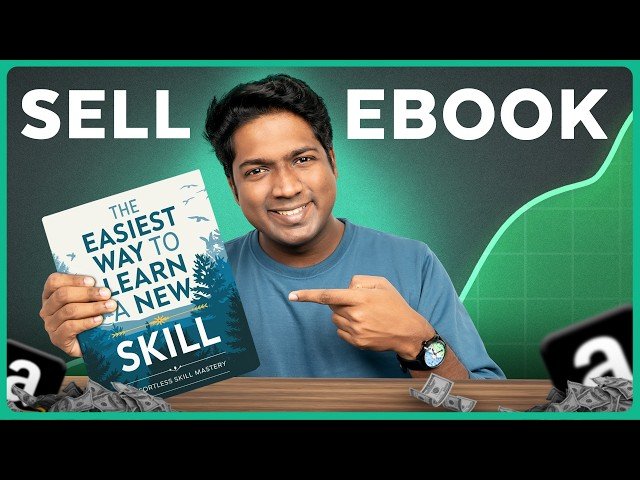
How to Create an eBook with AI and Sell it Online
Automatically move to the next video in the Classroom when playback concludes
- 1 00:00 Intro
- 2 00:36 Understand what is an Ebook
- 3 01:12 Choose genre for Ebook
- 4 02:17 Generate the idea for the book
- 5 03:09 Generate the outline
- 6 04:12 Generate the content for each chapter
- 7 06:37 Create a cover image for the Ebook
- 8 09:00 Format the Ebook for publishing
- 9 15:54 Publishing on Amazon KDP
- 10 16:50 Add details about your Ebook to KDP Account
- 11 20:48 Set the pricing
- 12 21:33 Add your bank details to receive payments
- 13 23:54 Publish your Ebook

