Completed
03:15 Add the agent response script
Class Central Classrooms beta
YouTube videos curated by Class Central.
Classroom Contents
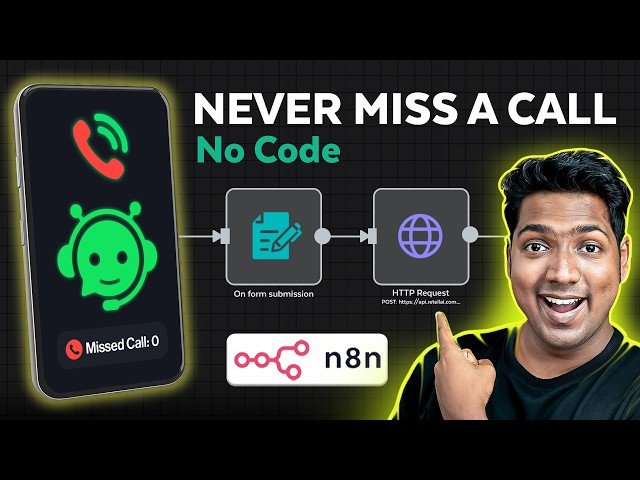
How to Create a Voice Call AI Agent with N8N - Automate Calls and Follow-Ups
Automatically move to the next video in the Classroom when playback concludes
- 1 00:00 Intro
- 2 00:54 Create your AI voice Agent
- 3 01:07 Create your account on Retell AI
- 4 01:38 Setup your Voice agent
- 5 03:15 Add the agent response script
- 6 04:39 Set up function and the knowledge base for the agent
- 7 08:56 Get a phone number for your agent
- 8 10:26 Automate the voice agent workflow
- 9 10:50 Get the N8N hosting
- 10 12:23 Set up N8N
- 11 13:01 Import the workflow template
- 12 13:50 Connect the voice agent to the workflow
- 13 16:43 Connect the voice agent workflow to the website

