Completed
01:04 - Name the bot
Class Central Classrooms beta
YouTube videos curated by Class Central.
Classroom Contents
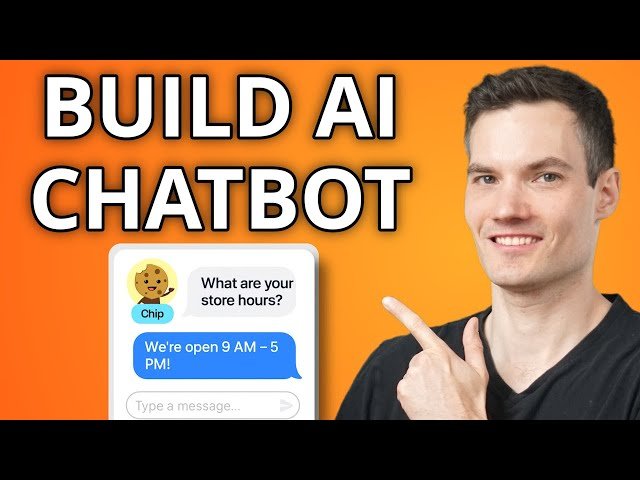
How to Build an AI Chatbot with No Coding Using Zapier
Automatically move to the next video in the Classroom when playback concludes
- 1 00:00 - Introduction
- 2 00:45 - Open Zapier and create a chatbot
- 3 01:04 - Name the bot
- 4 01:27 - Customize instructions
- 5 02:35 - Add knowledge sources
- 6 05:24 - Add logic
- 7 07:02 - Customize theme and colors
- 8 07:45 - Configure integrations
- 9 08:16 - Choose AI model settings
- 10 08:44 - Test chatbot responses
- 11 09:35 - Embed chatbot on website
- 12 11:10 - Review conversations in Zapier
- 13 11:36 - Track analytics and performance
- 14 12:02 - Wrap up

