Completed
10:03 - KiKit in detail - Cuts
Class Central Classrooms beta
YouTube videos curated by Class Central.
Classroom Contents
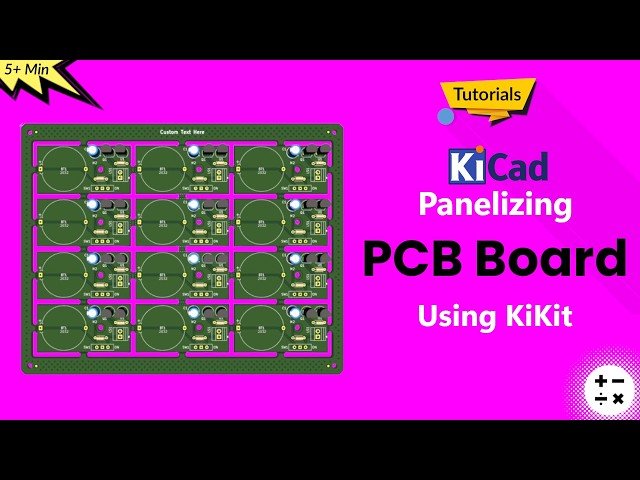
How to Automatically Panelize PCB Board in KiCad 9 Using KiKit Plugin - KiCad 9 Beginner's Tutorials
Automatically move to the next video in the Classroom when playback concludes
- 1 0:10 - Getting started with KiCad Panelization using the Kikit plugin
- 2 1:33 - Panelizing process of PCB board
- 3 4:41 - KiKit in detail - Layout
- 4 7:20 - KiKit in detail - Source
- 5 7:43 - KiKit in detail - Tabs - fixed
- 6 9:13 - KiKit in detail - Tabs - Spacing
- 7 9:26 - KiKit in detail - Tabs - Full
- 8 9:38 - KiKit in detail - Tabs - Corner
- 9 9:50 - KiKit in detail - Tabs - Annotation
- 10 10:03 - KiKit in detail - Cuts
- 11 11:09 - KiKit in detail - Framing
- 12 12:23 - KiKit in detail - Tooling
- 13 12:53 - KiKit in detail - Fiducials
- 14 13:36 - KiKit in detail - Text
- 15 14:16 - KiKit in detail - Copper fill
- 16 14:59 - KiKit in detail - 3D View

