Completed
00:00 Intro
Class Central Classrooms beta
YouTube videos curated by Class Central.
Classroom Contents
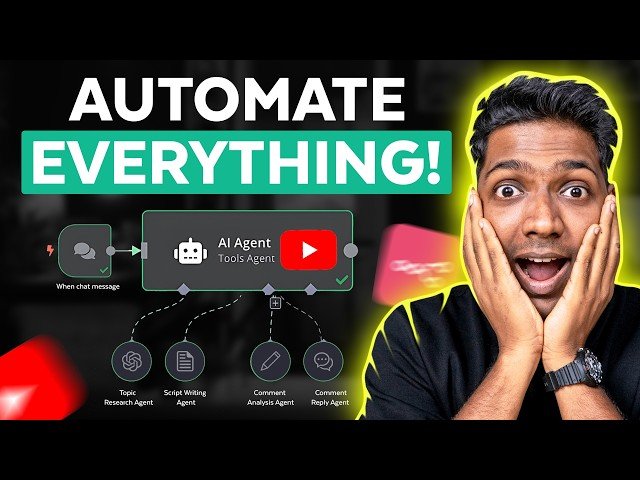
How to Automate Your YouTube Channel with AI - N8N Workflow
Automatically move to the next video in the Classroom when playback concludes
- 1 00:00 Intro
- 2 00:43 Get the N8N Hosting
- 3 01:59 Set up N8N
- 4 03:19 Import the Workflow
- 5 02:43 Build your website
- 6 02:50 Login to your site
- 7 03:23 Install a theme
- 8 03:53 Set up the Workflow node
- 9 12:18 Youtube script Writing
- 10 12:48 Import the workflow Template
- 11 13:13 Get Key Workflow node
- 12 18:32 Youtube video analysis
- 13 19:08 Import the workflow template for video analysis
- 14 19:30 Setup key workflow node for video analysis
- 15 22:28 Auto replies for Youtube comments
- 16 23:19 Import the workflow template for Auto replies
- 17 23:41 Setup key workflow node for Auro replies

