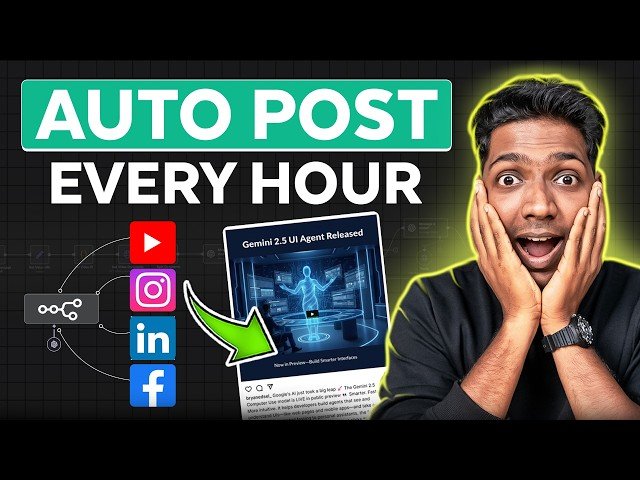
How to Auto Publish Social Media Posts on All Platforms Using N8N

How to Auto Publish Social Media Posts on All Platforms Using N8N

Website Learners via YouTube Direct link

02:41 Set Up N8N

4 of 10

4 of 10

02:41 Set Up N8N

Class Central Classrooms beta

YouTube videos curated by Class Central.

Classroom Contents

How to Auto Publish Social Media Posts on All Platforms Using N8N

Automatically move to the next video in the Classroom when playback concludes

  1. 1 00:00 Intro
  2. 2 00:56 Get N8N Hosting
  3. 3 02:12 Get the Workflow
  4. 4 02:41 Set Up N8N
  5. 5 03:53 Import the Workflow
  6. 6 04:18 Connect Tavily to N8N
  7. 7 05:11 Connect OpenAI to N8N
  8. 8 06:24 Connect Kie AI to N8N
  9. 9 07:14 Connect Gravity Social to N8N
  10. 10 09:50 Connect Social Media Account to Gravity Social

Never Stop Learning.

Get personalized course recommendations, track subjects and courses with reminders, and more.

Someone learning on their laptop while sitting on the floor.