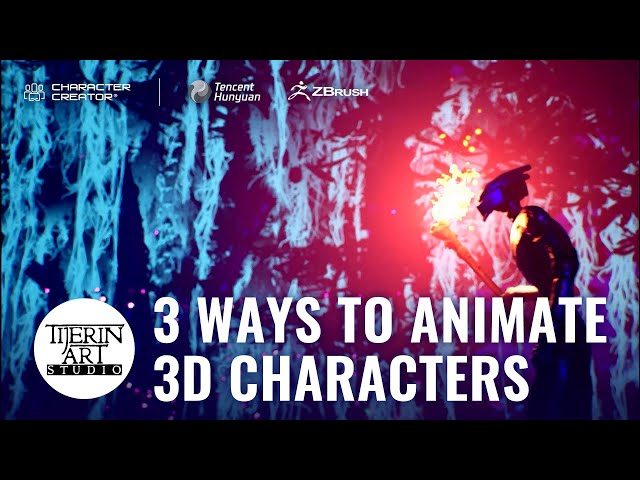
How to Animate AI-Generated Characters - 3 Ways from Hunyuan3D to CC4

How to Animate AI-Generated Characters - 3 Ways from Hunyuan3D to CC4

Reallusion via YouTube Direct link

12:51 Headshot 2

7 of 7

7 of 7

12:51 Headshot 2

Class Central Classrooms beta

YouTube videos curated by Class Central.

Classroom Contents

How to Animate AI-Generated Characters - 3 Ways from Hunyuan3D to CC4

Automatically move to the next video in the Classroom when playback concludes

  1. 1 00:00 Introduction
  2. 2 01:27 Generate 3D model with Hunyuan3D
  3. 3 03:15 Auto-rigging 3D model with CC AccuRIG
  4. 4 05:08 Generate second character
  5. 5 06:38 Send CC base to ZBrush with GoZ for sculpting
  6. 6 12:35 Generate third character
  7. 7 12:51 Headshot 2

Never Stop Learning.

Get personalized course recommendations, track subjects and courses with reminders, and more.

Someone learning on their laptop while sitting on the floor.