Completed
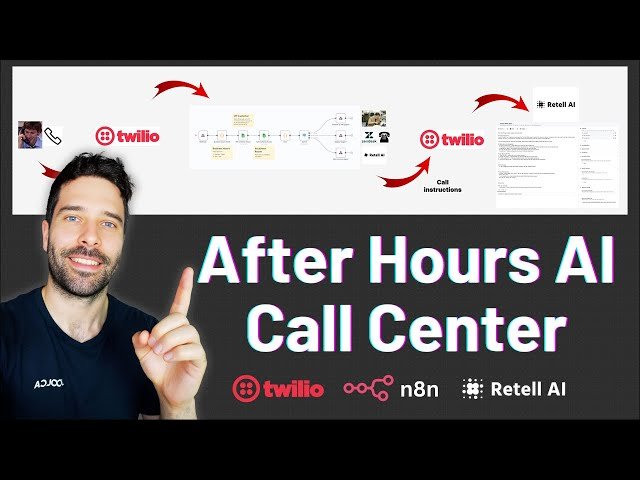
00:00 Overview of workflow, features, and what we cover
Class Central Classrooms beta
YouTube videos curated by Class Central.
Classroom Contents
How to Add an AI Phone Agent to Your Business Line - No-Code with n8n
Automatically move to the next video in the Classroom when playback concludes
- 1 00:00 Overview of workflow, features, and what we cover
- 2 09:09 Strategy on how to route business hours calls through AI first
- 3 10:48 Hire me to build this for you
- 4 11:36 Pre Call router n8n scenario overview
- 5 14:57 Check availability/ call transfer n8n workflow
- 6 19:04 Post call analysis n8n scenario overview
- 7 26:16 Mid video recap and Twilio integration
- 8 28:27 Set up the Retell AI Agent
- 9 28:59 How to add & connect a Twilio number to your Retell AI agent
- 10 30:58 How to add a knowledge base to your Retell AI agent
- 11 32:45 How to make a custom prompt for your Retell AI agent
- 12 36:36 How to add the function calling to your Retell AI agent
- 13 38:17 Simple demo of the call transfer workflow
- 14 44:13 Live call testing various routing workflows
- 15 43:50 Final summary, closing thoughts, and how to hire me

