Completed
00:00 Intro
Class Central Classrooms beta
YouTube videos curated by Class Central.
Classroom Contents
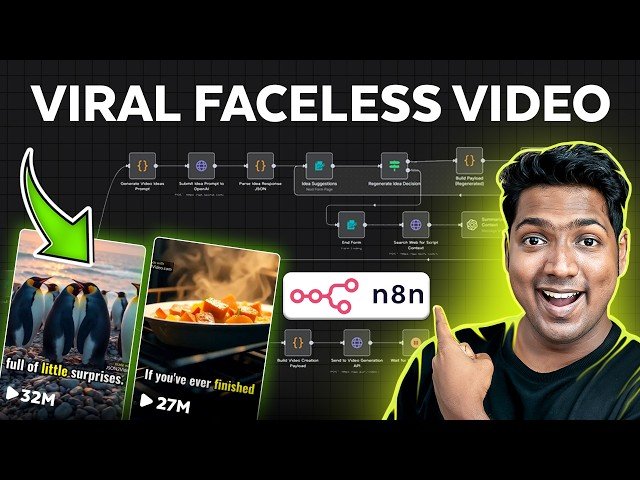
How I Automated Faceless Shorts with AI in n8n - No Code
Automatically move to the next video in the Classroom when playback concludes
- 1 00:00 Intro
- 2 01:09 Get access to the n8n automatic platform
- 3 01:26 Get the n8n hosting
- 4 02:44 Setup the n8n automation
- 5 03:28 Import the workflow template
- 6 04:18 Connect the services needed to run the workflow
- 7 04:31 Connect open ai to the workflow
- 8 06:00 Connect Tavily ai to the workflow
- 9 06:48 Connect Claude to the workflow
- 10 07:51 Setup Video generation
- 11 08:02 Create account on JSON2video
- 12 08:51 Create the movie template
- 13 09:59 Add Template to your workflow
- 14 10:33 Add JSON2Video’s API key to your workflow
- 15 11:28 Connect your email to the workflow

