
How Fusion 360 Gets You Cutting Chips Faster

How Fusion 360 Gets You Cutting Chips Faster

Autodesk Fusion 360 via YouTube Direct link

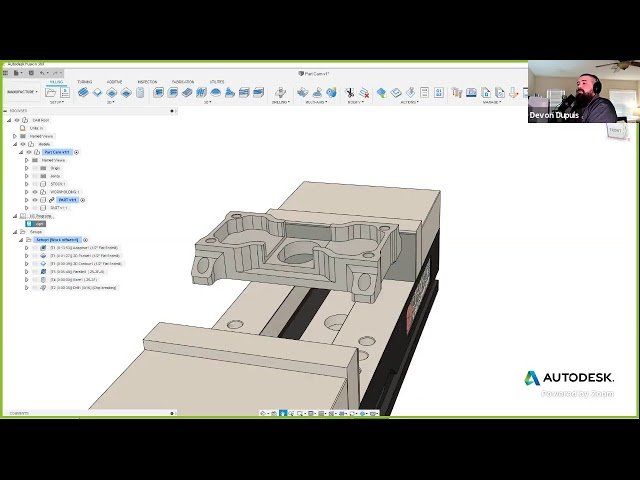
Contours

10 of 18

10 of 18

Contours

Class Central Classrooms beta

YouTube videos curated by Class Central.

Classroom Contents

How Fusion 360 Gets You Cutting Chips Faster

Automatically move to the next video in the Classroom when playback concludes

  1. 1 Intro
  2. 2 Importing a Manufacturing Template
  3. 3 Joining a Stock
  4. 4 Creating a Setup
  5. 5 Toolpaths
  6. 6 Product Documentation
  7. 7 Height Settings
  8. 8 Tool Path Settings
  9. 9 Linking Page
  10. 10 Contours
  11. 11 Simulate
  12. 12 Surface
  13. 13 Color
  14. 14 Tool Paths
  15. 15 Drill Paths
  16. 16 Simulation
  17. 17 Fixing Tool Path
  18. 18 Saving Settings

Never Stop Learning.

Get personalized course recommendations, track subjects and courses with reminders, and more.

Someone learning on their laptop while sitting on the floor.